

Common area maintenance is where property managers can earn or lose trust in real time. It’s one of the most highly visible jobs you’re responsible for, so the software you use to stay on top of it needs to be reliable.
This post compares 7 of the best common area maintenance software platforms, so you can match one to the portfolio you manage.
What we’ll cover:
- What common area maintenance software does
- 7 of the top platforms to consider
- How to choose the right software for your specific needs
Knowing When You Need Common Area Maintenance Software
Common area maintenance software handles two jobs.
The first is allocating and reconciling shared-area costs, splitting expenses such as landscaping, lighting, and janitorial work across the tenants or owners who share those spaces, then reconciling what you billed against what you spent.
The second is tracking the maintenance work itself through work orders, schedules, and vendor coordination.
Spreadsheets handle both jobs until your portfolio grows. Then accuracy slips, the audit trail breaks down, and reconciliation eats hours you don’t have. What counts as a common area maintenance charge varies by lease or bylaw, so a system that ties each cost back to the right formula saves you the argument later.
Expect the good platforms to include accounting integration, reporting you can hand to owners or boards, and communication tools for the residents footing the bill. Match the platform to your portfolio, and both jobs get faster.
Comparing Common Area Maintenance Software for Property Management
| Platform | Best for | Starting price | Free trial | CAM cost allocation | Maintenance tracking |
|---|---|---|---|---|---|
| Buildium® | Residential & association managers | $62/mo | Yes (14-day) | Yes (association) | Yes |
| RealPage® | Large commercial/multifamily | Custom quote | No | Yes | Yes |
| Property Matrix® | Commercial CAM allocation | $150/month | No (30-day money-back) | Yes (add-on pack) | Yes |
| Rent Manager® | Mixed portfolios, customization | Custom quote | No | Yes (CAM recovery) | Yes |
| Propertese® | CAM fee tracking & distribution | Custom quote | No | Yes | Yes |
| Nakisa® | Enterprise CAM reconciliation | Custom quote | No | Yes | No |
| ManageCasa® | HOA & small rentals | $45/month | No | Yes (HOA) | Yes |
Our Take
If you manage residential portfolios or community associations and want cost allocation plus maintenance tracking in one place, start with Buildium.
If you run large commercial or mixed multifamily portfolios at scale, look at RealPage. The other five fit narrower jobs, mostly commercial CAM calculation and reconciliation.
1. Buildium
Best for Comprehensive Residential and Community Association Management
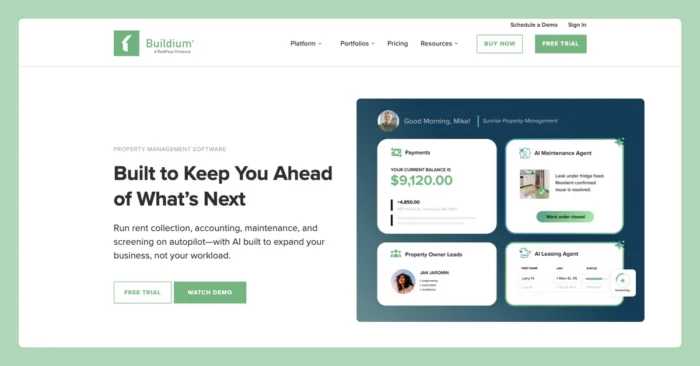
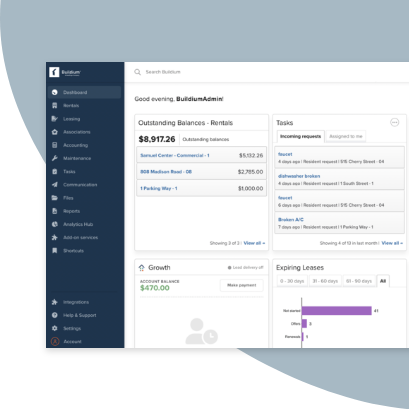
Buildium is property management software built for residential and community association managers, including mixed portfolios. For common area maintenance, you allocate shared-area costs to homeowners through association accounting, then track the upkeep through maintenance work orders in the same platform. That keeps the cost side and the work side connected, so what you bill matches what you actually did.
Features
Buildium pairs association accounting with maintenance tracking so shared-area costs and the work behind them stay in one system.
Here’s a preview of the platform’s features:
- Work order and task management: Create, assign, and track maintenance work from request to close.
- Maintenance projects and templates: Build repeatable workflows for recurring common-area jobs.
- Staff time tracking: Log hours against tasks so you know what the work actually costs.
- Shared staff calendar: See who is doing what across your team and properties.
- Inspections through HappyCo: Run and document property inspections from a mobile device.
- A 24/7 Maintenance Contact Center: Route after-hours maintenance calls to a live team.
- Association tools: Handle architectural review (ARC) requests, violation tracking, board member access, and fund and association accounting.
- Resident Center: Give residents a portal for payments, requests, and community updates.
- Owner portal: Share financials and reports with owners and boards.
- Unit-level financials and batch reports: Pull reporting down to the unit and send report batches on a schedule.
- An open API and partner Marketplace: Connect Buildium to the other tools you already use and to fully-integrated partner solutions.
- Tools for all your operations: Connect maintenance management to Buildium’s full suite of other tools, supported by agentic AI, automation and customization capabilities
Pricing
Buildium has three pricing tiers:
- Essential: $62/mo. Core accounting, leasing, and maintenance for smaller portfolios.
- Growth: $192/mo. Adds capacity and features for growing teams.
- Premium: $400/mo. The full feature set for larger operations.
2. RealPage
Best for Large Commercial and Multifamily Portfolios
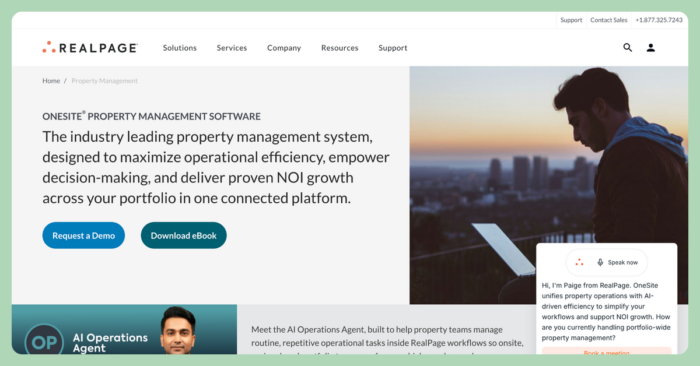
RealPage is enterprise multifamily property management software built to run large portfolios at scale. Its OneSite platform connects operations, leasing, accounting, maintenance, and resident experience in one system, with maintenance management covering facilities work, mobile access, and real-time reporting.
Features
- End-to-end property management: Leasing, operations, and maintenance in one connected platform.
- Integrated accounting: Budgeting and financial reporting tied to daily operations.
- Maintenance management: Facilities work orders, mobile technician access, and real-time reporting.
- Revenue management: Pricing tools for multifamily portfolios.
- Resident portals: Payments, requests, and communication for residents.
- AI analytics: Portfolio-level reporting and forecasting.
- An open platform and modules: Add capabilities as portfolio needs change.
Pricing
- RealPage has custom, quote-based pricing set by portfolio size and the products you select. Reach out to their team for a quote.
3. Property Matrix
Best for Commercial CAM Cost Allocation
Property Matrix is web-based property management and accounting software, designed for commercial and mixed portfolios. Its common area maintenance charges and reconciliation live in an add-on feature pack, so you turn on the CAM capability when your commercial properties need it.
Features
The platform combines full accounting with add-on packs you enable as needed.
- Accounting, general ledger, and bank reconciliation: A complete accounting core built in.
- Tenant portal and online payments: Residents pay and submit requests online.
- Maintenance request management: Log and track maintenance requests.
- Commercial support: Commercial units count as three units each toward your plan.
- CAM charges and reconciliation: Available through the Operations & Finance Plus Pack, an added monthly cost.
- Add-on feature packs: Extend the platform, though stacking packs raises your monthly bill.
Pricing
- Starter: $150/month. Includes 20 units.
- Standard: $350/month. Includes 100 units and any three feature packs.
- Pro: $550/month. Includes 250 units and all five packs.
- Enterprise: Custom pricing.
Additional units run $1.75 each, and a 30-day money-back guarantee applies in place of a free trial.
4. Rent Manager
Best for Mixed Portfolios Needing Deep Customization
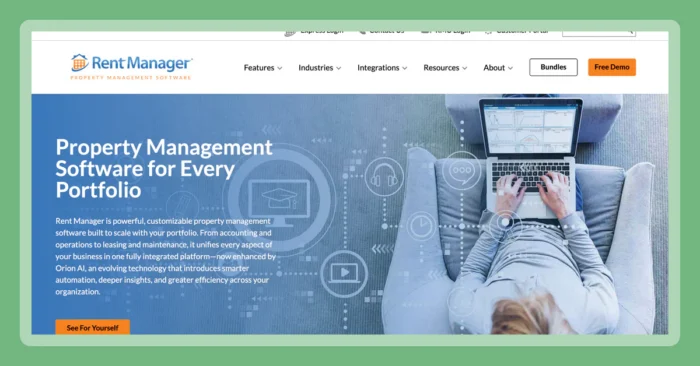
Rent Manager supports property managers with residential, commercial, association, manufactured housing, and storage property portfolios. For commercial common areas, its CAM recovery feature reconciles shared expenses against what you billed tenants. The depth of features can be useful, but the customization can mean a longer setup.
Features
Rent Manager’s features covers accounting and operations with heavy customization options.
- Complete accounting: A full double-entry accounting system.
- Standard and custom reporting: Prebuilt reports plus a builder for your own.
- Work order management and maintenance scheduling: Track and schedule maintenance work.
- Inspections: Document property condition on-site.
- 200+ integrations and open access API: Connect and extend the platform, which can take technical effort.
- CAM recovery and reconciliation: Reconcile common-area expenses for commercial properties.
Pricing
Rent Manager sells Basic, Plus, and Premium bundles with quote-based pricing.
- Basic: Core property management and accounting.
- Plus: Adds features for growing operations.
- Premium: Adds tools such as video inspections and a dedicated customer success team.
5. Propertese
Best for CAM Fee Tracking and Distribution
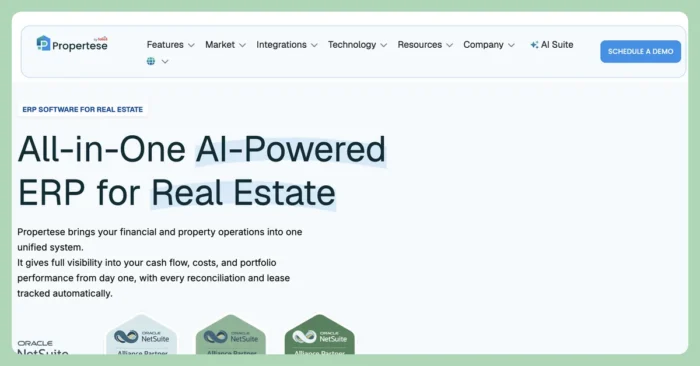
Propertese is a cloud-based real estate management platform with common area maintenance fee tracking and distribution. It works across commercial properties, retail centers, and HOA common areas, and integrates with NetSuite and Xero for accounting.
Features
Propertese’s tools focus on defining and distributing CAM fees alongside broader management tools.
- Maintenance responsibility definition: Set which party covers which shared-area costs.
- CAM fee calculation: Calculate fees across tenants or owners.
- Recurring patterns: Schedule fees that repeat on a set cadence.
- Custom distributions: Adjust how shared costs split across parties.
- NetSuite and Xero integrations: Connect accounting through outside systems, since Propertese relies on them for the ledger.
- Accounting, lease, tenant, vendor, and maintenance management: Access a suite of property management tools that goes beyond maintenance.
Pricing
Pricing is custom and quote-based, so you’ll have to reach out through the Propertese contact page for details.
6. Nakisa
Best for Enterprise CAM Reconciliation

Nakisa is built for large commercial real estate portfolios across owned, leased, and sub-leased assets. It’s an enterprise lease administration and lease-accounting platform that automates common area maintenance reconciliation.
The software fits accounting and lease-administration teams at that scale. It is not aimed at small residential or association property managers, so it carries more weight than most property managers need and does not work as a maintenance work-order tool.
Features
Nakisa’s features include:
- Automated CAM reconciliation: Reconciles accrued expenses against total operating costs to flag differentials and avoid overcharges.
- Lease administration: Organizes locations, premises, and lease contracts in one system.
- Percentage and sales-based rent: Calculates rent tied to sales or percentage terms.
- Vendor portal and AP/AR: Manages payables and receivables with ERP integrations for SAP, Oracle, and Workday.
- Budgeting, forecasting, and analytics: Builds budgets and forecasts and reports on portfolio data.
- AI document abstraction: Pulls lease data from documents to reduce manual entry.
Pricing
Nakisa’s pricing isn’t listed on their site. You’ll have to reach out directly for a quote on their enterprise subscription.
7. ManageCasa
Best for HOA and Small Rental Portfolios
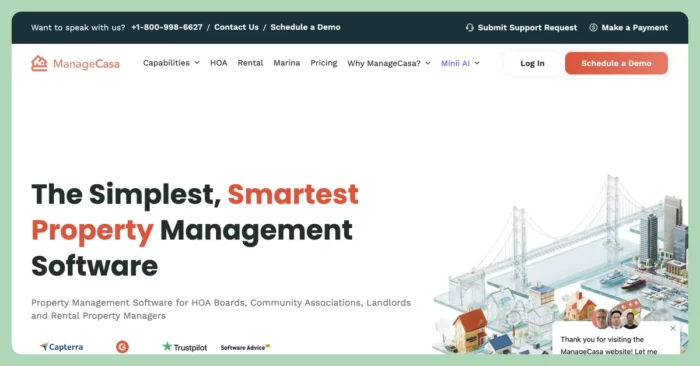
ManageCasa is cloud-based software that’s best suited for community associations and smaller owners or property managers. It covers common areas, dues, maintenance requests, communications, and accounting. It’s lighter-weight than enterprise platforms, but keeps important core capabilities such as e-voting and document mailing as per-item add-on fees.
Features
ManageCasa covers both association and rental management in its features:
- HOA and association management: Handles dues collection, violations, and owner and board communications.
- Maintenance request tracking: Logs and follows maintenance requests through to completion.
- Online payments and accounting: Collects payments and records them in the ledger.
- Owner and resident portals: Give owners and residents a place to manage their accounts.
- Common-area and community management: Manages shared spaces and community operations.
Pricing
- Base: $45/month (billed yearly). Covers the first 1 to 25 units.
- Growth: $80/month (billed yearly). Adds capacity as unit counts grow.
- Premium: $130/month (billed yearly). Adds custom branding, an included website subscription, and unlimited data storage and users.
How to Choose the Right Common Area Maintenance Software
Weigh four things before you commit:
- Accurate cost allocation and reconciliation: The billing has to tie back to the formula in the lease or bylaw.
- Maintenance tracking in the same system: Keep the work and the cost connected.
- Accounting integration: Association or property accounting should feed the reporting you hand to boards and owners.
- Ease of use: A platform your team learns fast is a platform your team actually uses.
For residential and association managers, Buildium checks all four in one place, which is why it leads this list.
If you’re looking for more specialized software, the right platform largely depend’s on your business’s scope.
If you manage large commercial or multifamily units at scale, RealPage or a dedicated CAM-calculation specialist could be your best fit.
If you manage residential portfolios or community associations, you want one platform that allocates shared costs and tracks the maintenance together, so nothing falls between two systems.
The best way to make a confident buying decision is to test your top contenders out for yourself. You can give Buildium a try with a 14-day free trial or by booking a guided demo.
Frequently Asked Questions
What is common area maintenance software?
Common area maintenance software is the software property and association managers use to track shared-area maintenance work and allocate and reconcile the costs tied to it. It combines maintenance work orders with cost-allocation and accounting tools so the billing matches the work.
What does common area maintenance include?
Common area maintenance covers the upkeep of shared spaces such as lobbies, hallways, parking lots, landscaping, lighting, and janitorial services. In commercial leases and association bylaws, these costs are split across the tenants or owners who use the spaces.
How are common area maintenance charges calculated?
Common area maintenance charges are usually calculated by pro-rating shared costs across tenants or owners, often by the share of square footage or units each occupies. The exact formula depends on the lease or bylaw, which is why a system that ties each charge to its formula makes reconciliation faster. Keep in mind that lease terms and association rules vary, so it’s a good idea to consult with a qualified legal professional if you’re in doubt.
Is there free common area maintenance software?
Fully free common area maintenance software is rare, since the accounting and reconciliation involved take real infrastructure to run. Several platforms offer a free trial or a money-back window, such as Buildium’s 14-day free trial, so you can test the workflow before you pay.
Buildium’s Commitment to Safe and Secure AI
At Buildium, we believe that AI should be a trusted extension of our platform–not a replacement for human judgement. Our approach to AI is grounded in transparency, education, and rigorous security standards. We deploy AI features with a clear focus: to automate routine tasks while preserving the integrity of sensitive decisions that require human oversight. Lumina AI is built for property managers who value efficiency, security, and trust. We’re not just innovating–we’re doing so responsibly.