

If you’d rather keep your property management software on your own servers, where you control the data and pay a one-time cost, on-premise options are worth a look.
This post reviews five on-premise platforms plus how to weigh them cloud-based options, so you can decide whether hosting your own software fits how you manage.
What we’ll cover:
- Cloud-based vs on-premise property management software
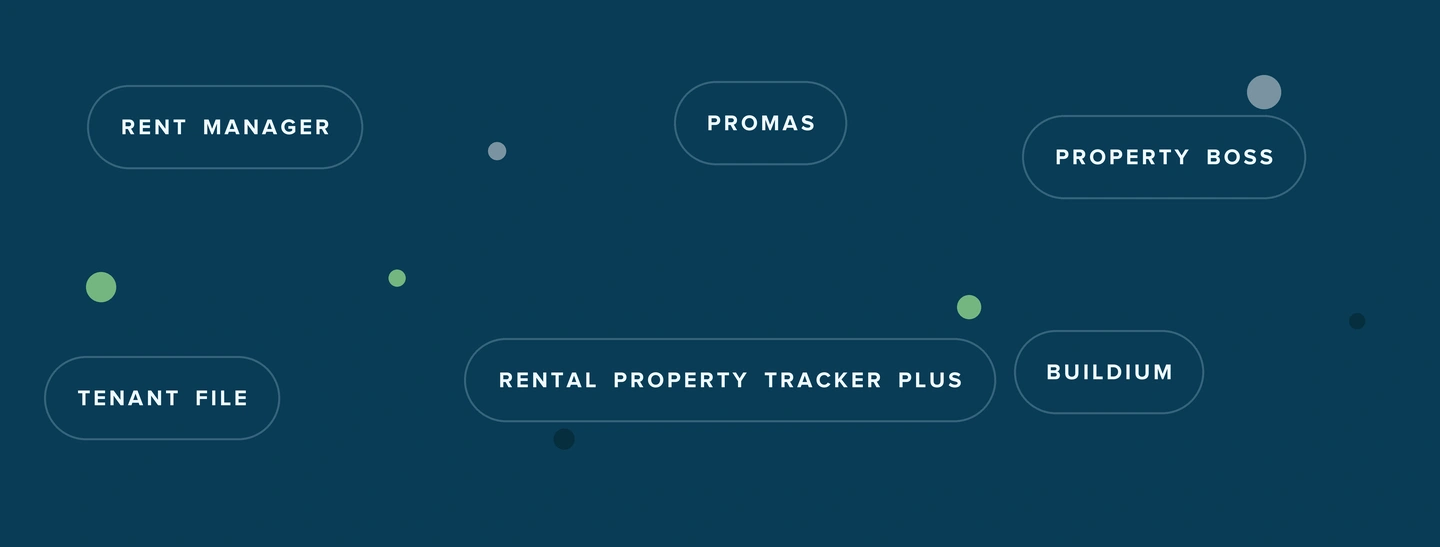
- A side-by-side comparison of each platform
- A detailed look at five on-premise software options
- Frequently asked questions about on-premise property management software
On-Premise vs Cloud: How to Choose the Right Setup
Start with one question: do you need the software to physically live on your own hardware? If the answer is no, go cloud.
Choose on-premise when you face strict data-residency requirements, when your internet connection is unreliable enough to interrupt daily work, or when you want to pay once and avoid a monthly subscription. In those situations, keeping the software on your own servers gives you direct control over the data and the setup.
The trade-off is real work. With on-premise software, you own the maintenance, the backups, the security patches, and the updates. Remote access takes extra setup, and if a server goes down, that is your problem to fix. As portfolios grow and teams spread across locations, that overhead adds up.
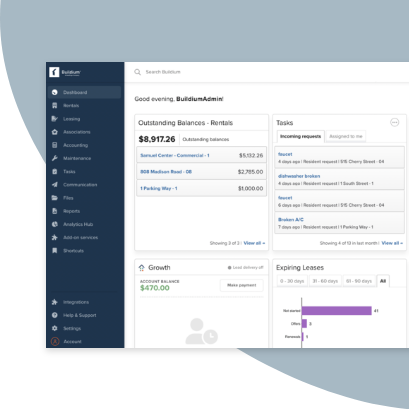
That is why most growing property managers land on cloud-based software. You get automatic updates, offsite backups, and access from any device, without staffing an IT function. A platform such as Buildium gives you that control without the server upkeep. Here’s a quick look at what it includes:
Buildium Features and Pricing
Buildium covers all your property management operations, from leasing a unit to business analytics. Here is what you get:
- Property management accounting
- 1099 e-filing
- Online rent payments
- Listing syndication, online applications, and tenant screening
- Maintenance requests and work orders,
- A Resident Center mobile app where residents pay rent, submit requests, and read announcements.
- An owner portal that shares financial reports, documents, and payments with your owners in real time.
- Two-way email and text communications
- Partner integrations through a Marketplace and open API
- AI and workflow automation that make operations faster and more conveninet.
Buildium has three pricing plans: Essential (starting at $62/month), Growth (starting at $192/month), and Premium (starting at $400/month).
If on-premise platforms seem like a better fit for your business, here’s a look at some of the best options out there:
On-Premise Property Management Software: A Quick Comparison
| Platform | Deployment | Starting price | Best for | Free trial | Mobile app |
|---|---|---|---|---|---|
| Rent Manager® | Cloud or on-premise | Quote-based | Large, complex portfolios | No | Yes |
| PROMAS® | On-site or hosted | Quote-based | Accounting-focused managers | Demo only | No |
| Property Boss® | Web or on-premise | ~$1.25/unit/mo | Student and multifamily housing | Demo only | Yes |
| Tenant File® | Cloud (virtual server) | $50/mo | Affordable small-portfolio software | No | No |
| Rental Property Tracker Plus® | Desktop | $199 one-time | Independent landlords, few units | Yes (10-day) | No |
1. Rent Manager
Best for Large or Mixed Portfolios Wanting Deep Customization
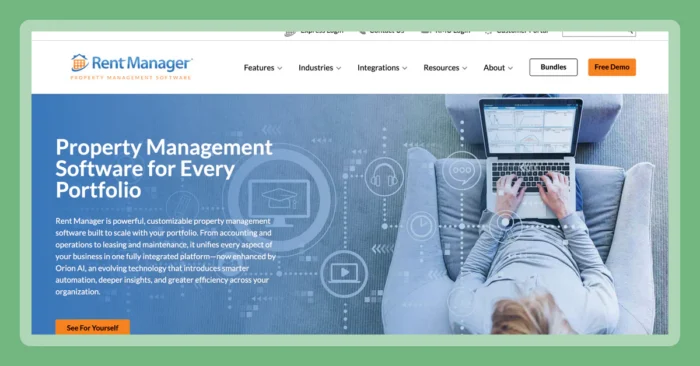
With Rent Manager, you can run your software in the cloud or install it on your own servers. It handles residential, commercial, and mixed portfolios of any size, and it leans heavily on customization.
Features
Rent Manager packages a full property management database with mobile and marketing tools:
- Double-entry accounting covering accounts payable, accounts receivable, bank reconciliation, and owner payments.
- Work order and maintenance tracking through the rmAppSuite Pro mobile app, with service-technician mapping.
- Marketing and leasing tools, online applications, and unlimited eSignatures.
- Owner, prospect, and tenant portals plus a tenant app.
- Unlimited custom fields and custom workflows for teams that want to tailor the database.
- Text and phone broadcast messaging, plus AI-powered call summaries and a writing assistant.
Pricing
- Rent Manager sells Basic, Plus, and Premium bundles. Pricing is quote-based and not published publicly.
2. PROMAS
Best for Accounting-Focused Managers and Associations
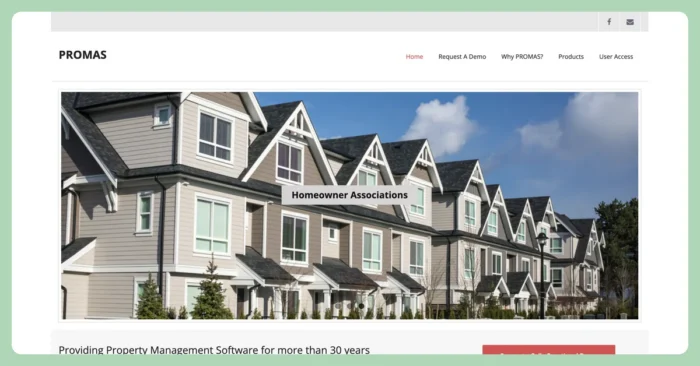
PROMAS is a platform that focuses mainly on property management and association accounting. Its lineup includes The Professional Landlord for on-site desktop use, PROMAS for Associations, and a Cloud Hosted version of The Professional Landlord.
Features
PROMAS centers on accounting depth and flexible deployment:
- Property management trust accounting with owner and tenant ledgers.
- Reporting tools built around trust-accounting rules.
- Association management through PROMAS for Associations.
- QuickBooks-oriented workflows for teams already using QuickBooks.
- On-site desktop or cloud-hosted deployment, so you choose where the software runs.
Pricing
- PROMAS does not publish pricing. By contacting the company, you can get a quote and can request a free, fully functional demo
3. Property Boss
Best for Student and Multifamily Housing Operators
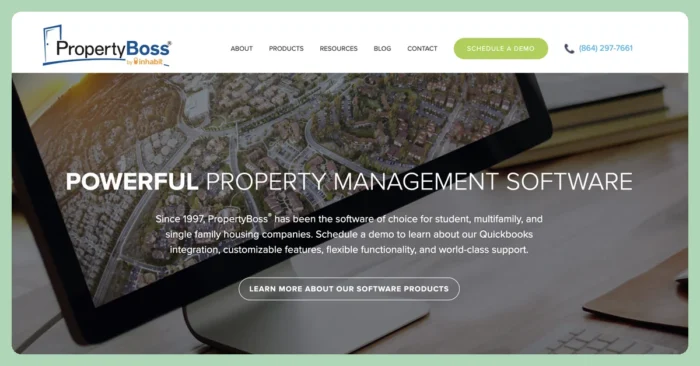
Property Boss is geared toward single-family, multifamily, and student housing portfolios. It runs web-based or on-premise on Windows and both Mac and PC. QuickBooks integration is built in. The platform serves mid-sized to large operators, so very small landlords may find it more than they need.
Features
Property Boss combines accounting, screening, and student-housing tools:
- Property accounting with QuickBooks integration.
- Online rent collection with same-day funding and major card support.
- One-click tenant screening covering credit, criminal, background, and eviction data.
- Tenant portals and work order and maintenance tracking.
- More than 150 predefined and customizable reports with Excel export.
- Mass move-in and move-out, bed tracking, and self-inspection mobile tools.
Pricing
PropertyBoss pricing starts at $1.25 per unit per month with a $100 minimum. For larger portfolios, they recommend reaching out for a quote.
4. Tenant File
Best for Small Landlords Wanting Simple Desktop Software
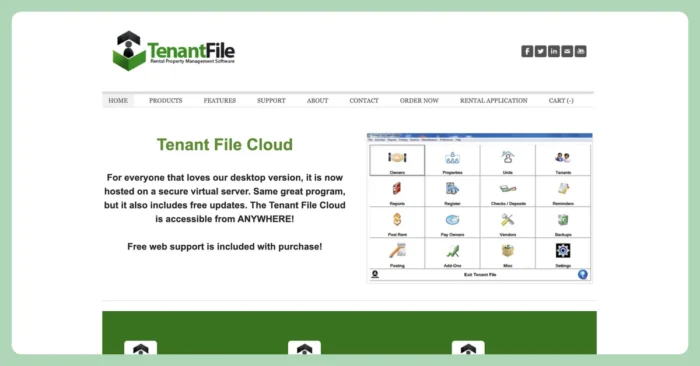
Tenant File has a standalone desktop version has been discontinued, and the software now runs as Tenant File Cloud, hosted on a dedicated virtual server that carries over the same program. It suits small to mid-size owners and managers who want affordable, straightforward software.
Features
Tenant File keeps the toolset practical for smaller operations:
- Unlimited vendors with contact information and unlimited financial accounts.
- Check writing and printing, plus a large library of reports.
- A reminder system with a scheduler, work orders, and a built-in word processor.
- A 1099 program and tenant screening.
- DirectPAY ACH payments and renters insurance.
Pricing
Tenant File Cloud publishes flat monthly tiers:
- Up to 100 units: $50 per month.
- Up to 250 units: $100 per month.
- Larger unit counts are available at higher monthly tiers.
5. Rental Property Tracker Plus
Best for Independent Landlords with a Few Units
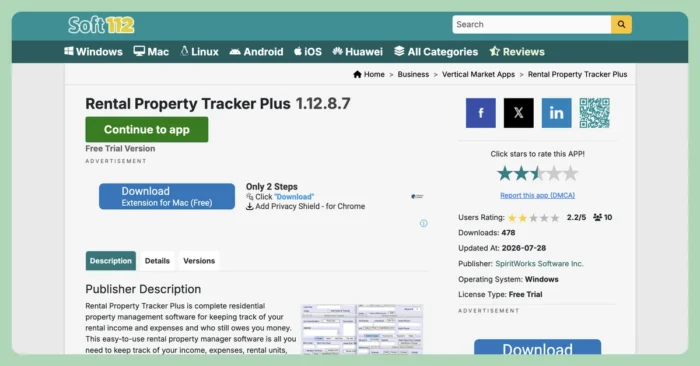
Rental Property Tracker Plus is a downloadable desktop program for Windows and Mac. It runs as a single-user tool on your own computer, sold as a one-time purchase with no monthly charges. Independent landlords use it to track units, tenants, income, and expenses.
Features
The program focuses on record-keeping for a small portfolio:
- A rent roll report showing who owes, days late, and balances.
- Income and expense tracking with account registers, plus check printing.
- Separate tracking for government housing subsidy (Section 8) payments.
- Online credit card payment acceptance and form letters or notices.
- An asset tracker, work order tracker, and lease-renewal tracking.
- Support for monthly, weekly, and fortnightly rental periods, with currency and date localization.
Pricing
Rental Property Tracker Plus costs $199 as a one-time purchase after a 10-day free trial, and the price includes support. There are no monthly charges.
Match Your Property Management Platform to How You Actually Work
The best choice comes down to how you run your business. If you manage a large or highly customized portfolio, a deep on-premise option can fit, and if you track a handful of units and want a one-time cost, a desktop program does the job.
For most residential managers who want on-premise-level control without maintaining servers, Buildium is the practical pick, with accounting, payments, leasing, and maintenance in one platform.
If you’re weighing your options, you can give Buildium a try with a 14-day free trial or sign up for a guided demo to see it in action.
Frequently Asked Questions
Frequently Asked Questions
What Is On-Premise Property Management Software?
On-premise property management software installs and runs on your own computers or servers rather than a vendor’s cloud. You control the hardware, the data, and the setup, and you handle the maintenance, backups, and updates yourself.
Is On-Premise or Cloud Property Management Software Better?
Cloud is the better fit for most property managers because you get automatic updates, offsite backups, and access from any device without running your own servers. On-premise suits managers with strict data-residency needs, unreliable internet, or a preference for a one-time cost over a subscription.
Is There Free On-Premise Property Management Software?
Some programs offer free trials, such as Rental Property Tracker Plus’s 10-day trial, but most on-premise options charge a license fee or a per-unit price after that. Fully free on-premise property management software is rare, and free tools tend to limit units or features.
What Is the Best Property Management Software for Small Landlords?
For small landlords who want an affordable, simple tool, Tenant File and Rental Property Tracker Plus both fit a small portfolio at a low cost. If you would rather skip server upkeep and manage from any device, Buildium’s Essential plan gives small managers cloud-based accounting, payments, and leasing in one place.
Buildium’s Commitment to Safe and Secure AI
At Buildium, we believe that AI should be a trusted extension of our platform–not a replacement for human judgement. Our approach to AI is grounded in transparency, education, and rigorous security standards. We deploy AI features with a clear focus: to automate routine tasks while preserving the integrity of sensitive decisions that require human oversight. Lumina AI is built for property managers who value efficiency, security, and trust. We’re not just innovating–we’re doing so responsibly.