Keep every task moving forward
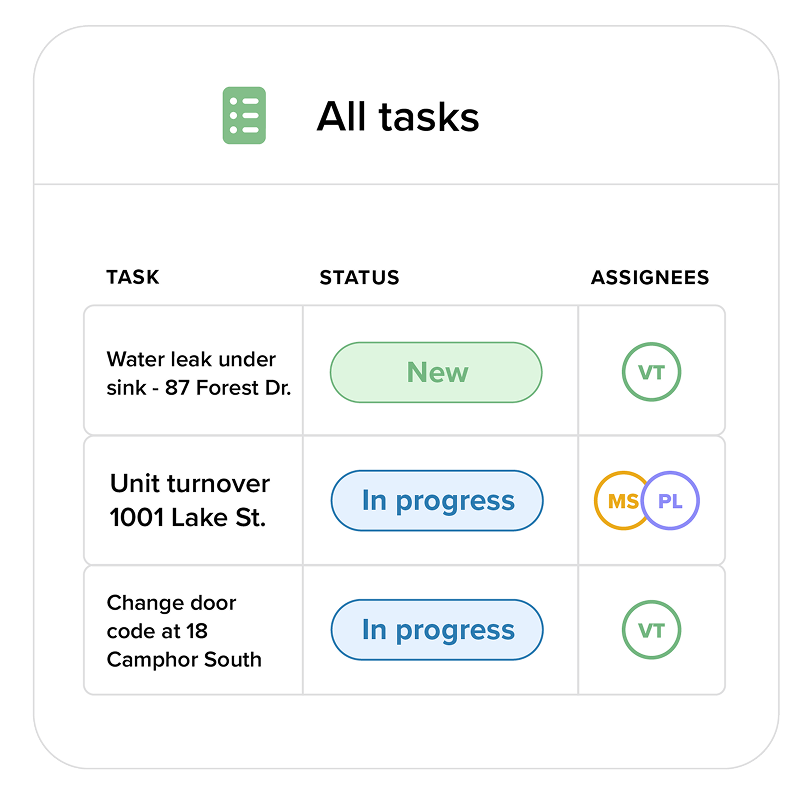
Centralize all your work and give your team visibility into what needs attention, who owns it, and what’s been completed.
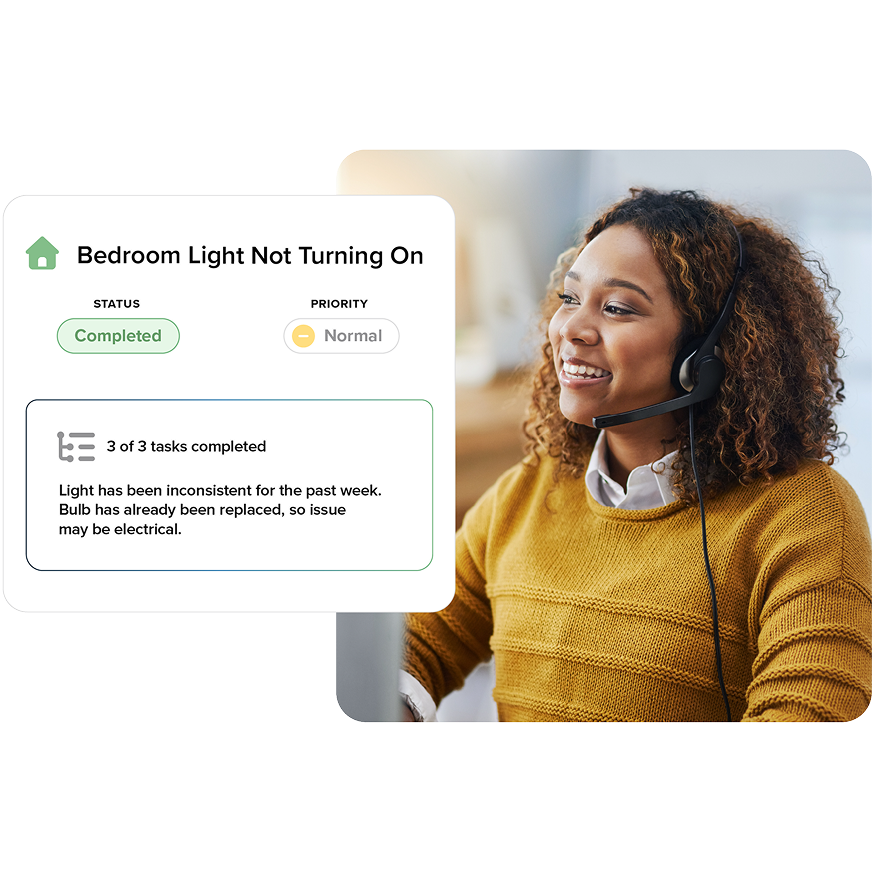
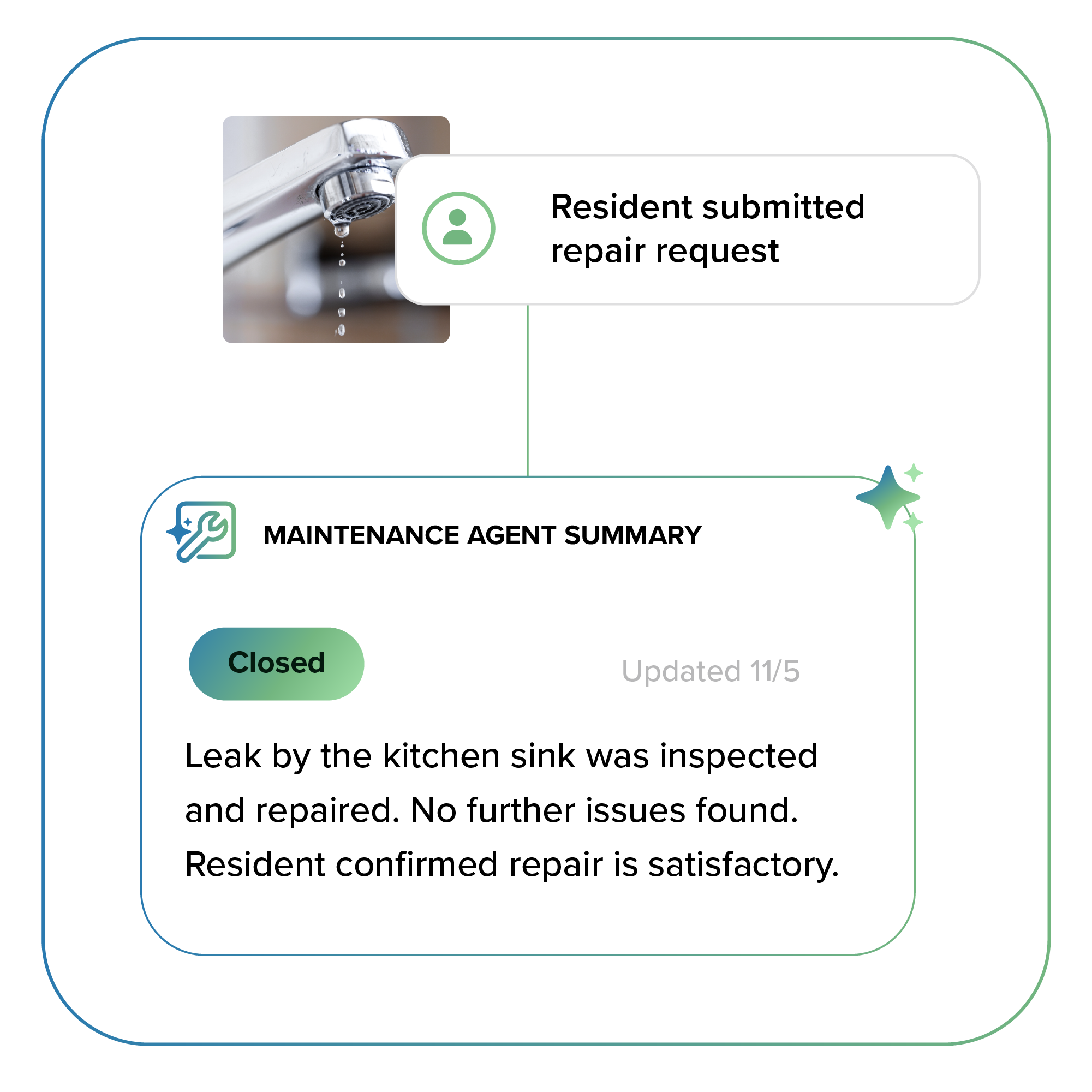
- Capture and manage resident requests submitted through Resident Center
- Create property maintenance tasks for staff with clear ownership and due dates
- Schedule recurring work like lawn care or seasonal inspections
- Maintain time-stamped updates for accountability and record-keeping
Bring order to your maintenance work
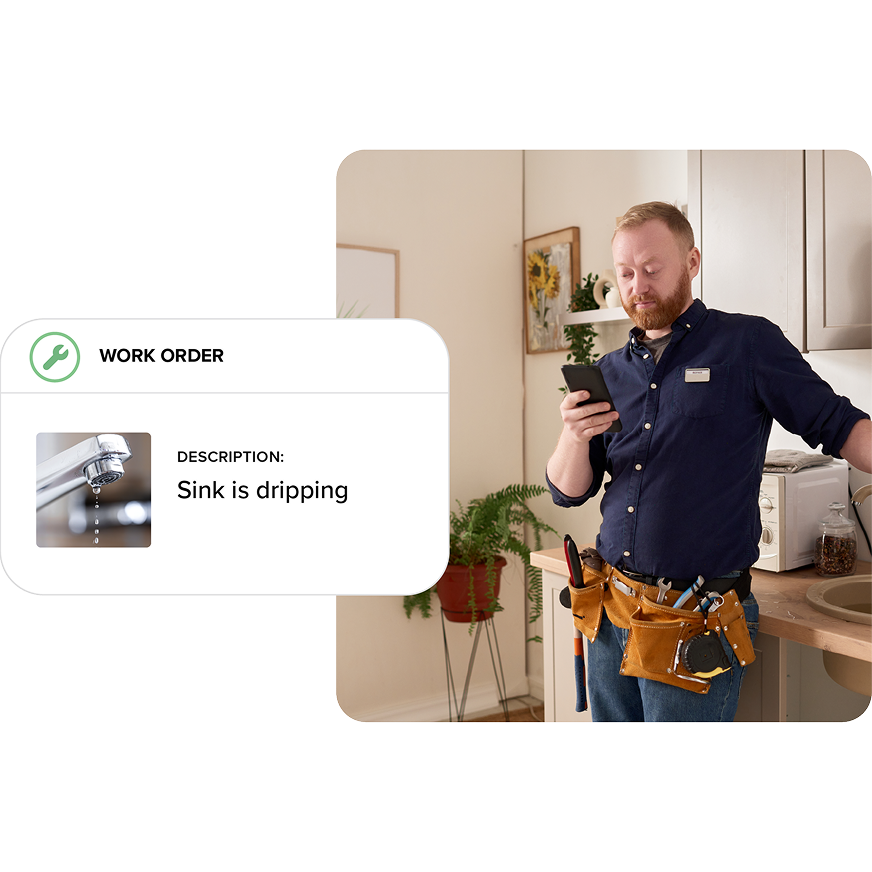
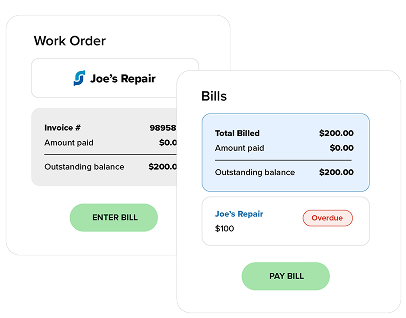
Track the progress of work being performed and expected costs with work orders, keeping maintenance activity connected to your accounting.
- Assign work orders to your staff or vendors
- Enter quotes or estimates for the work before it’s performed
- Generate a bill directly from a work order
Standardize your repeatable tasks
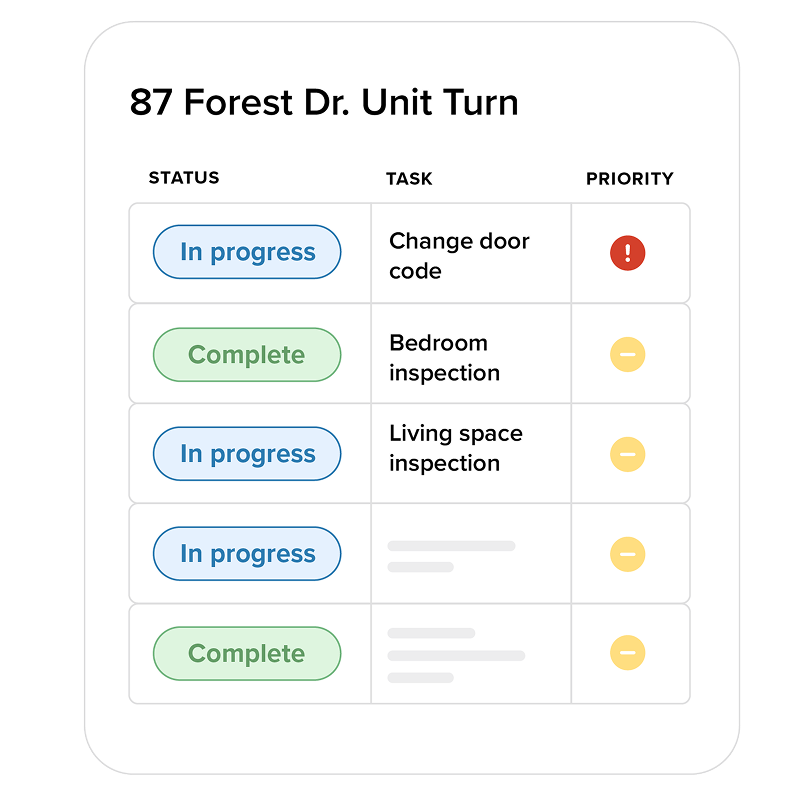
Keep your maintenance work organized by grouping related tasks into projects to track progress and budgets at a glance.
Use project templates for standard workflows like unit turns or recurring repairs.
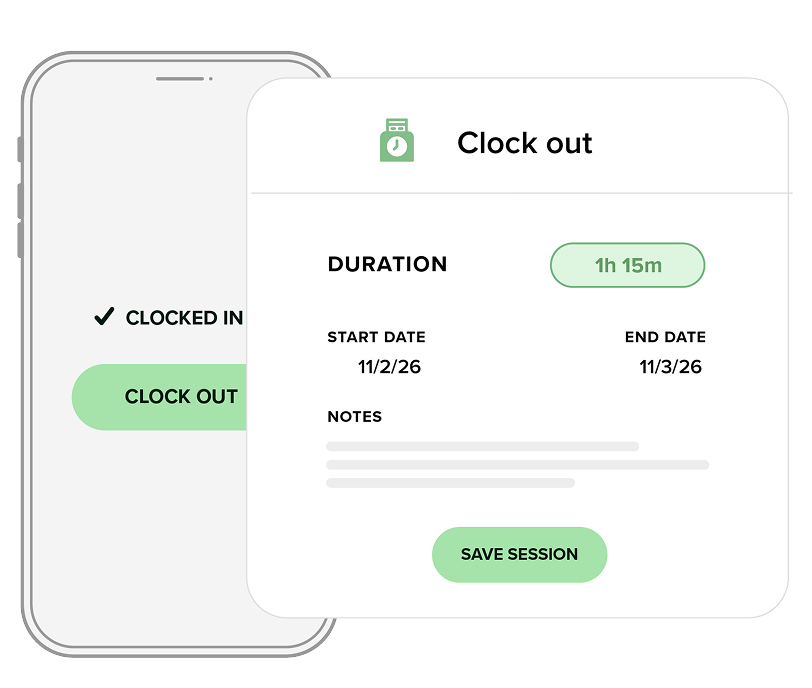
Capture accurate work hours
Track time and labor expenses by recording hours spent on tasks and work orders.
- Staff can log time in real time or after work is completed
- Managers gain visibility into labor across tasks and work orders
- Available on the Buildium mobile app and web
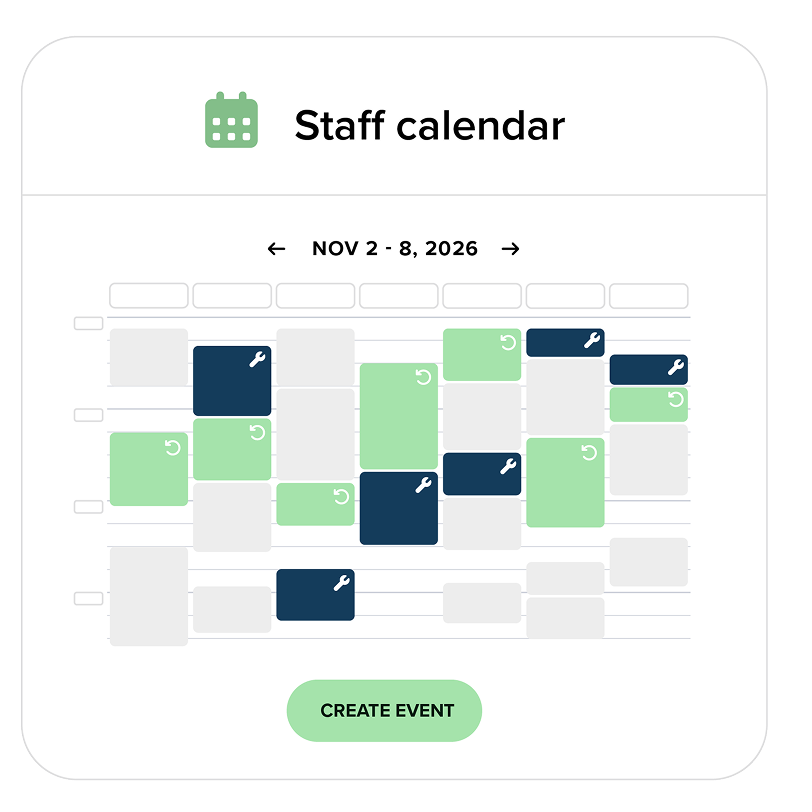
See the full maintenance picture at a glance
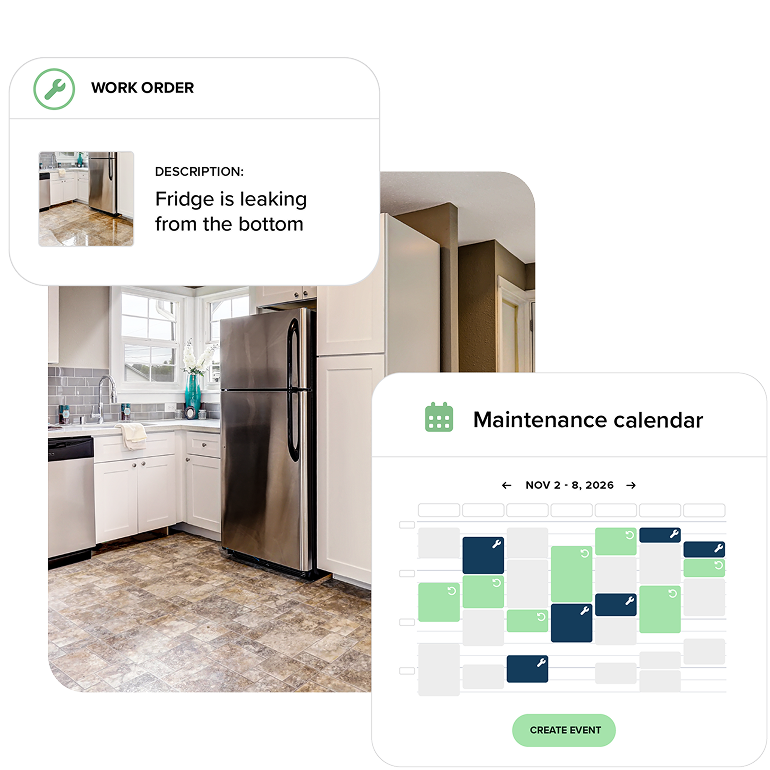
Coordinate maintenance with a shared calendar that shows tasks and work orders by due date, making planning easier and helping teams avoid conflicts.
- Auto‑populate staff calendars from tasks and work orders
- Create events for staff meetings
- Use flexible filters, smart permissions, and real‑time updates
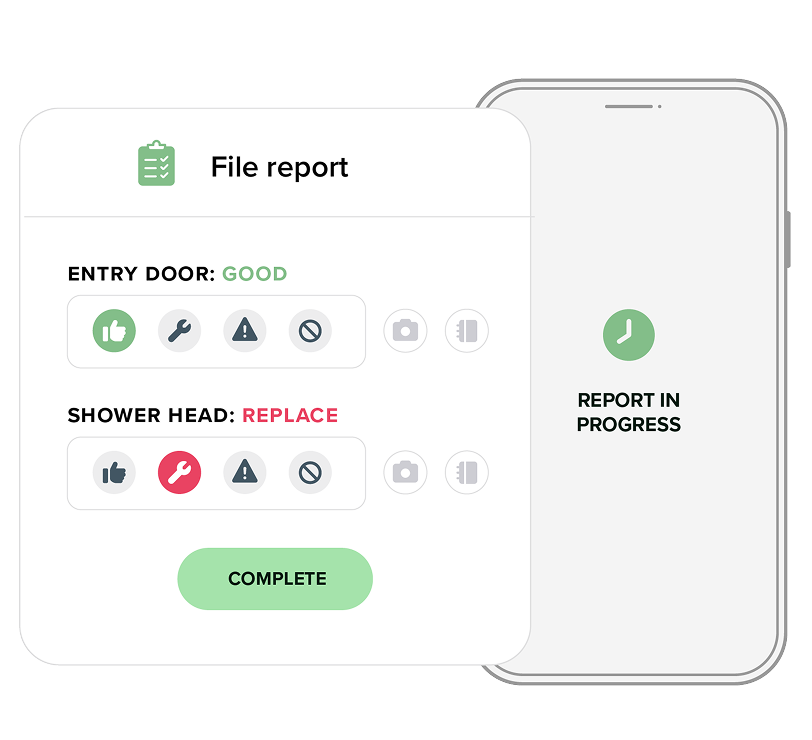
Complete inspections—right from the field
Perform inspections on-site and sync results directly into Buildium, powered by HappyCo.
- Capture photos, notes, and reports in the HappyCo app
- Connect inspection data and documentation directly to your maintenance workflow
- Customize reports to match your processes