

Finding the right landlord software depends on how much of the rental workflow you want one system to handle. Some tools focus on the basics, such as rent collection, lease storage, and expense tracking. Others go further with maintenance coordination, tenant screening, owner reporting, accounting, automation, and tools for larger portfolios.
This guide compares seven landlord software options for 2026, including what each platform does well, what it costs, and where it may fit best based on your portfolio size, budget, and management style.
What Is Landlord Software?
Landlord software is a platform that helps landlords, owner-operators, and property managers handle rental property tasks in one system. That can include rent collection, lease tracking, maintenance requests, tenant screening, accounting, reporting, and resident communication.
The main difference between landlord software and general tools such as QuickBooks or Excel is scope. Spreadsheets and accounting software can help track income and expenses, but they are not built to manage the full rental workflow. Landlord software connects the details tied to each property, unit, resident, lease, payment, and repair so you can see more of the operation in one place.
Key Features to Look for in Landlord Software
Before comparing individual platforms, it helps to understand the features that matter most. The categories below form a practical framework for evaluating any property management software, especially if you manage a small-to-mid-size residential portfolio.
Rent Collection and Payment Processing
Online rent collection is the feature most property managers look for first. The ability to accept ACH transfers, credit card payments, and autopay enrollments reduces late payments and eliminates manual check processing. Look for platforms that deposit funds directly to your bank account and send automated reminders to residents before rent is due.
Tenant Screening
A good screening tool pulls credit reports and background checks into one view so you can make faster, more informed leasing decisions. Some platforms include screening in their base plan, while others charge per report.
Lease Management
Online lease creation, e-signatures, and renewal tracking keep your paperwork organized and accessible. The strongest platforms store signed documents online and send automated reminders when a lease is approaching its end date, so nothing slips through the cracks.
Maintenance and Work Order Tracking
Residents expect a simple way to submit maintenance requests, and you need a way to assign, track, and close those work orders without letting anything fall through. Look for platforms that let residents attach photos, allow you to assign vendors, and keep a full history of each request.
Accounting and Financial Reporting
Property-level accounting, bank reconciliation, and tax-ready reporting are the backbone of any serious property management operation. The right software should generate profit and loss statements, owner distribution reports, and 1099 filings without requiring a separate accounting tool.
Portals and Communication
Self-service portals give owners on-demand access to statements, reports, and property performance data. Tenant portals let residents pay rent, submit maintenance requests, and communicate with your team, all without a phone call. Strong portals reduce your inbound communication volume and keep everyone informed.
Automation and AI Tools
Automation is where property management software delivers the biggest time savings. Recurring tasks (such as late-fee calculations, lease renewal notices, and payment reminders) can run on their own once you set the rules. Newer platforms also incorporate AI-driven features for communication drafting, data entry, and operational insights, which can shave hours off your weekly workload.
1. Buildium
Property Management Software Built for Growing Companies
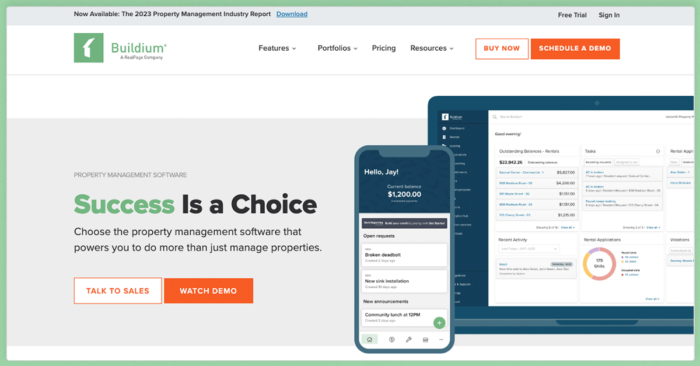
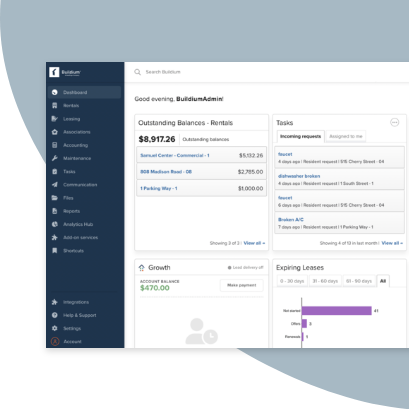
Buildium is a cloud-based property management platform built for residential, association, and mixed portfolios. It is designed for property management companies that need rent collection, accounting, leasing, maintenance, owner reporting, and resident communication in one connected system.
The platform is especially useful for teams moving beyond spreadsheets or disconnected tools. Instead of managing payments, leases, work orders, and owner updates in separate places, Buildium helps bring those workflows into a shared platform.
Features
- Online rent payments: Support ACH, credit card, and cash payments with autopay enrollment and automated late-fee calculations. Residents pay through their portal or mobile app, and funds deposit directly to your bank account.
- Tenant screening: Powered by TransUnion, pulls credit and background reports into a single dashboard for faster applicant review. The screening workflow connects directly to online applications, so you can post listings, screen tenants, and execute leases in one platform.
- Lease management: Includes customizable templates, bulk e-signatures, and automated renewal tracking. Signed documents are stored in the document storage system, organized by property, unit, or resident.
- Maintenance: Residents submit requests through their portal with photos and descriptions. You can assign work orders to vendors, track progress, and access the full history of each request for turnover planning and owner reporting.
- Accounting: Handles property-level bookkeeping, bank reconciliation, accounts payable, and owner distributions. Generate financial reports, 1099 filings, and custom analytics without exporting data, and give clients direct access through the owner portal.
- Automation and workflows: Set rules for recurring tasks such as lease renewal reminders, payment follow-ups, and inspection scheduling. Lumina AI handles communication drafting, AI Bill Scan for invoice processing, and operational recommendations.
- Integrations and marketing: Connects to a marketplace of plug-and-play integrations at no additional cost. The Premium plan includes Open API access for custom workflows, and website templates and marketing tools help you attract new clients.
You can explore the full platform on the Buildium features page.
Pricing
Buildium offers three plans, all with a 14-day free trial:
- Essential: Starts at $62/month. Includes core accounting, maintenance, leasing, basic communications, standard reporting, and ticket-based support.
- Growth: Starts at $192/month. Adds enhanced screening, lower-cost eSignatures and EFT transactions, AI-powered communications, business analytics, live phone support, and customized onboarding.
- Premium: Starts at $400/month. Adds Open API access, free inspections, free eSignatures, first-year free incoming EFT transactions, the full AI and automation suite, and priority support.
Pricing scales with portfolio size. Visit Buildium’s pricing page for the most current plan details.
2. RealPage
An Excellent Enterprise-Grade Property Management Platform
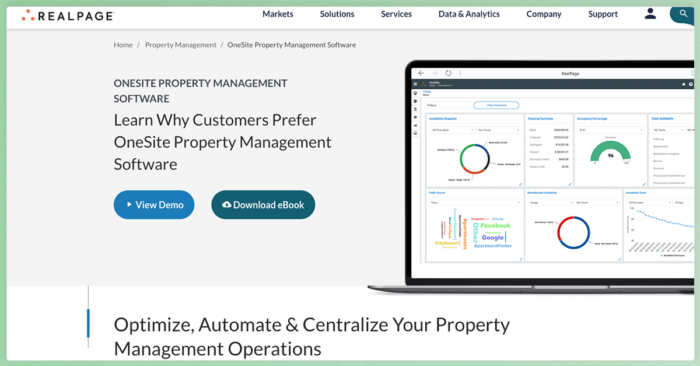
RealPage is a comprehensive property management platform designed for enterprise multifamily organizations managing large portfolios across multiple properties. It focuses on centralized operations, revenue management, resident experience, accounting, analytics, and portfolio-level visibility.
For large organizations with dedicated teams and complex operational needs, RealPage offers the scale and depth required to manage multifamily portfolios at the enterprise level. Smaller property management companies may find the platform more complex than they need, especially if they want faster setup, transparent pricing, and an all-in-one system built for day-to-day portfolio management.
Features
- Property management software for leasing, operations, accounting, maintenance, resident workflows, and reporting
- Accounting software for multifamily financial management, budgeting, reporting, and accounting workflows
- AI revenue management for pricing strategy, renewal pricing, and portfolio revenue analysis
- Resident portal tools for payments, maintenance requests, communication, leasing activity, and resident engagement
- CRM and leasing tools for lead management, leasing communication, prospect follow-up, and marketing workflows
- Multifamily solutions for large-scale leasing, operations, accounting, resident experience, and portfolio management
Pricing
RealPage does not publish standard pricing. Pricing is quote-based and depends on portfolio size, selected products, modules, and implementation needs. Contact RealPage directly for a custom quote.
You can contact RealPage’s sales team for an accurate quote.
3. Innago
Free Property Management Software for Independent Owners
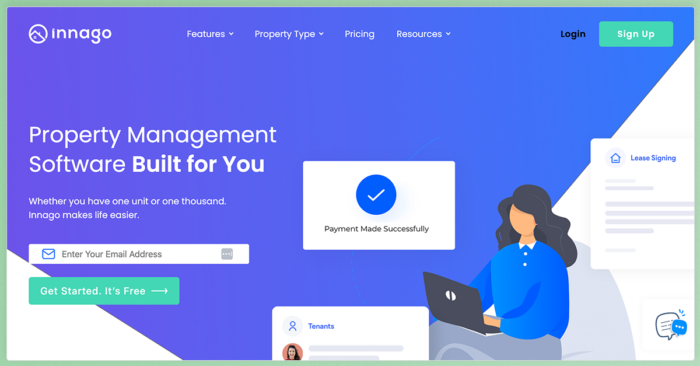
Innago positions itself as a free property management platform for independent owners and small-portfolio property managers. It charges no setup fees, monthly subscription, or contract, with certain service costs handled through tenant-paid transaction and screening fees.
For smaller portfolios, Innago can be a practical way to move off spreadsheets without adding a monthly software cost. The trade-off is that teams needing deeper accounting, owner reporting, automation, or growth tools may outgrow the platform as their operations become more complex.
Features
Innago covers the core functions most small-portfolio property managers need:
- Online rent collection with automated payment reminders and ACH or card payment support
- Online lease signing and digital document management
- Tenant screening with credit, background, and eviction reports
- Maintenance requests for repair tracking and tenant-submitted tickets
- Expense reporting for income, expense, invoice, and financial report tracking
- Tenant communication for direct messages, announcements, and automated reminders
Pricing
- Free for owners and property managers: No setup fee, monthly subscription, or contract.
- Tenant-paid fees may apply: Tenants or applicants may pay fees for services such as online payments and screening reports.
- Core property management features are included at no monthly cost to the property manager.
Visit Innago’s pricing page for full pricing details.
4. TenantCloud
Budget-Friendly Landlord Software for Smaller Portfolios
TenantCloud is a cloud-based property management platform for DIY owners and smaller property management companies looking for an affordable starting point. It covers core workflows such as rent collection, maintenance management, accounting, tenant screening, and listing tools across tiered plans.
For landlords who need more than a free tool but are not ready for a broader property management platform, TenantCloud can be a practical middle ground. The trade-off is that features such as tax reports, bank reconciliation, and a separate owner portal are available only on Pro or higher, so costs can rise as your needs grow.
Features
TenantCloud’s feature set scales with the plan you choose:
- Online rent collection with ACH and credit card payment options
- Tenant screening with credit and background report options
- Online lease management with lease tools and eSignature support
- Maintenance request tracking for tenant-submitted repairs and work order management
- Rental reports for rent roll, expenses, depreciation, amortization, and tax-ready reporting
- Listing and application tools for vacancy marketing and applicant management
Pricing
- Starter: $18/month, or $15/month billed annually. Includes online rent payments, maintenance management, and listings/applications.
- Growth: $35/month, or $29.17/month billed annually. Adds enhanced reporting, move-in/move-out inspections, and a property message board.
- Pro: $60/month, or $50/month billed annually. Adds tax reports, bank reconciliation, and a separate owner portal.
- Business: Custom pricing starting at $100/month for larger companies with more advanced needs.
Visit TenantCloud’s pricing page for the most current plan details.
5. Landlord Studio
Mobile-First Accounting and Expense Tracking for Rental Owners
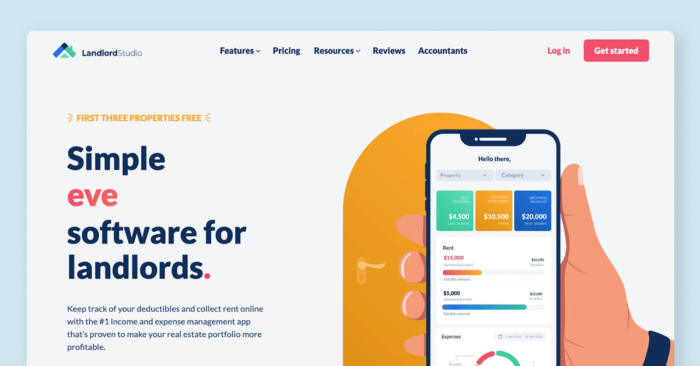
Landlord Studio® is built around financial tracking and mobile convenience. The platform is designed for owners and small-portfolio property managers who want an app-based way to record income and expenses, scan receipts, track mileage, collect rent, and generate tax-ready reports.
If your primary need is rental accounting from your phone, Landlord Studio handles that use case well. The trade-off is that the platform is narrower than a full property management system, with less depth around tenant communication, leasing workflows, owner reporting, and advanced operational tools.
Features
Landlord Studio focuses on the financial side of property management:
- Rental accounting for income and expense tracking, bank feeds, receipt scanning, mileage tracking, and financial organization
- Online rent collection for rent, deposits, late fees, tenant-payable expenses, ACH payments, and credit card payments
- Tax reporting with Schedule E, profit and loss, rent ledger, and tax-ready financial reports
- Property maintenance for tracking maintenance tasks, repair history, vendor details, and property-related work
- Find and screen tenants with rental listings, applications, and tenant screening reports
Pricing
- Go: Free plan with basic features for small portfolios.
- Pro: $12/month, billed annually at $144. Adds more advanced reporting and automation features.
- Max: $28/month, billed annually at $336. Adds expanded features for larger or more active portfolios.
Visit Landlord Studio’s pricing page for the most current plan details.
6. Avail
DIY Property Management Tools with State-Specific Lease Templates
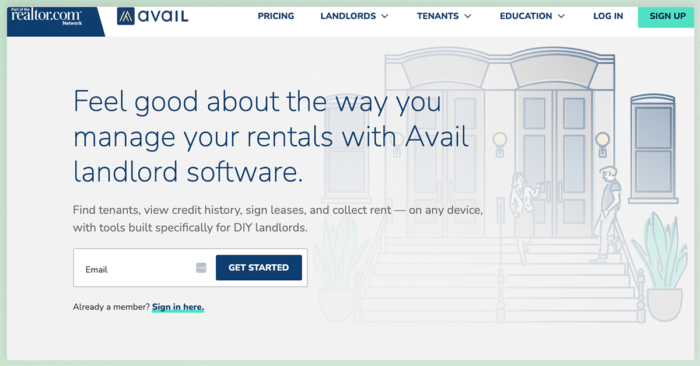
Avail® is a landlord software platform built for DIY owners who want help with listings, applications, screening, leases, rent collection, and maintenance tracking. It is part of Realtor.com, which gives its listing tools a clear connection to a major rental search network.
For hands-on landlords managing a smaller portfolio, Avail can cover the basics without much setup. The trade-off is that the paid plan charges per unit, and the platform does not offer the same depth of accounting, owner reporting, automation, or portfolio operations as broader property management systems.
Features
Avail covers the core management tasks for hands-on owners:
- Rental listings with syndication to Realtor.com and other rental sites, plus tools for promoting vacancies and collecting renter leads
- Rental applications for collecting applicant details, rental history, employment information, and references online
- Tenant screening with TransUnion credit, background, and eviction reports
- Online leases with lawyer-reviewed, state-specific lease templates and eSignature support
- Online rent collection for rent, deposits, move-in fees, autopay, reminders, ACH payments, and card payments
- Maintenance tracking with online repair requests and status updates
- Rental property accounting for tracking rental income and expenses
Pricing
- Unlimited: Free plan with core features such as listings, tenant screening, rent collection, maintenance tracking, and lease tools.
- Unlimited Plus: $9/unit/month. Adds features such as faster rent payments, waived ACH fees, customizable applications and leases, reusable lease templates, property websites, and faster customer support.
Visit Avail’s pricing page for the most current plan details.
7. Rentec Direct
Detailed Accounting and Reporting for Experienced Property Managers
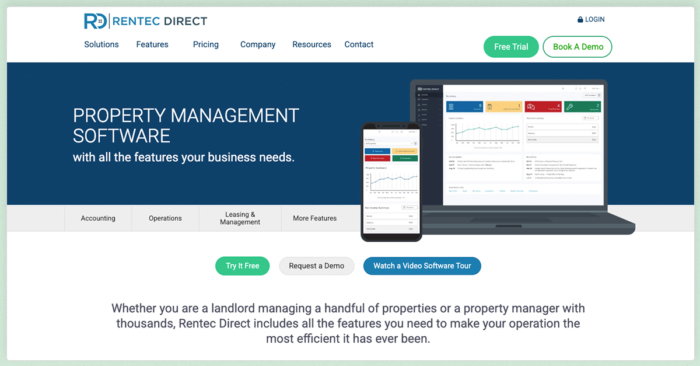
Rentec Direct® is a property management platform with a strong focus on accounting, reporting, tenant screening, and online rent payments. It offers separate plans for landlords and professional property managers, with Rentec PM adding tools such as trust accounting, owner portals, and owner payments.
For teams that prioritize detailed financial tracking and trust-accounting support, Rentec Direct is worth comparing. The trade-off is that its interface and broader workflow experience may feel less modern than some newer platforms, and teams looking for deeper automation, marketing, or growth tools may need a broader system.
Features
Rentec Direct is strongest on the financial and reporting side:
- Property and tenant accounting with general ledger accounting, trust accounting support, financial reports, owner payments, and rent payment posting
- Online rent payments with ACH, credit card, recurring payments, and electronic cash payment options
- Professional website tools for promoting your company, listings, tenants, and owners online
- Tenant portal for rent payments, maintenance requests, file sharing, and tenant communication
- Publish vacancies online with rental listing syndication and online rental applications
- Integration partners for connecting Rentec Direct with outside services and property management tools
Pricing
- Rentec Pro: Starts at $50/month. Built for landlords and investors, with accounting, free online ACH rent payments, tenant screening, reporting, and property management tools.
- Rentec PM: Starts at $50/month. Built for property managers and includes additional professional management tools such as trust accounting, owner portals, and owner payments.
Visit Rentec Direct’s pricing page for the most current plan details.
How to Choose the Right Landlord Software
Once you have a shortlist, compare each platform against the way you manage your rentals today. A low monthly price will not help much if the software still leaves you tracking payments in one place, maintenance in another, and lease documents somewhere else.
- Start with your current workflow. Identify the tasks that take the most time each week, such as rent collection, lease tracking, maintenance coordination, accounting, owner reporting, or resident communication. Then check whether the platform handles those tasks in one workflow or still requires outside tools.
- Match the software to your portfolio size. A free or low-cost tool may work well for a small rental portfolio. As your door count grows, you may need deeper accounting, owner portals, team permissions, reporting, automation, and support for multiple property types.
- Compare the full cost. Look beyond the monthly subscription. Factor in payment processing fees, screening reports, eSignatures, onboarding, support, implementation, integrations, and per-unit charges.
- Test the daily user experience. During a trial or demo, walk through common tasks: posting a payment, creating a lease, assigning a maintenance request, sending a report, or checking a tenant balance. The best choice is the one your team can actually use without workarounds.
- Check support and onboarding. Software changes how your team works, so setup matters. Review what help is included, how support is delivered, and whether training resources are available for new users.
- Think about growth before you need it. Switching systems later can be disruptive. If you plan to add doors, hire staff, manage owners, or expand into new property types, choose software that can support those next steps without forcing another migration.
For property management companies that want a platform covering rent collection, accounting, maintenance, leasing, and growth tools in one place, Buildium is built to support that full range, with the flexibility to scale as your business does.
Finding the Right Landlord Software for Your Business
Landlord software is easier to compare once you know what kind of work you need it to take off your plate. A smaller portfolio may only need reliable rent collection, lease storage, and expense tracking. A growing property management business needs more: connected accounting, maintenance workflows, owner reporting, automation, and tools that can keep up as the portfolio gets more complex.
The best next step is to test the platforms that match your operation most closely. Pay attention to how each one handles the tasks your team repeats every week, not just the features listed on the pricing page.
Key Takeaways:
- Landlord software is not one-size-fits-all. Some tools cover the basics, such as rent collection, leases, and expenses. Others support deeper accounting, maintenance, portals, automation, and portfolio growth.
- Free and low-cost plans come with trade-offs. Lower monthly pricing can be useful for smaller portfolios, but feature limits, transaction fees, and reporting gaps can matter as your needs grow.
- Accounting depth varies by platform. Basic tools may track income and expenses, while more complete systems can support bank reconciliation, owner statements, tax reporting, and property-level financials.
- The right fit depends on how you manage. A hands-on owner has different needs than a property management company with owners, residents, vendors, and staff to coordinate.
- Connected workflows become more important over time. As portfolios grow, keeping rent, maintenance, leasing, accounting, and reporting in one system can reduce manual work and make daily operations easier to manage.
If you are ready to see how a full-featured property management platform works in practice, you can start with a 14-day free trial of Buildium or sign up for a guided demo to walk through the platform with a product specialist.
Frequently Asked Questions About Landlord Software
What Are the Top Software Options for Property Managers?
The top property management software options depend on your portfolio size and needs. For growing property management companies, Buildium covers rent collection, accounting, maintenance, leasing, and owner reporting in a single platform. RealPage serves enterprise multifamily organizations. Innago and Avail offer free plans for smaller portfolios, while TenantCloud and Landlord Studio fill the gap for budget-conscious property managers who want core features at a lower price point. Rentec Direct is a strong choice if accounting depth and trust compliance are your top priorities.
What Is the Best Free Landlord Software?
Innago is one of the most fully featured free options for owners and property managers. The platform charges no monthly fee and includes rent collection, lease management, screening, and maintenance tracking. The cost is passed to tenants through transaction and screening fees. Avail and Landlord Studio also offer free tiers, though with more limited feature sets. Keep in mind that free platforms often lack the automation, reporting, and growth tools that paid platforms include.
Do Property Managers Need Property Management Software?
If you manage more than a few units, dedicated software can save you significant time on rent collection, accounting, maintenance coordination, and owner reporting. Property managers who rely on spreadsheets or general accounting tools often spend hours each week on tasks that property management software handles on its own. For many property managers, the time saved on rent tracking, maintenance coordination, and owner reporting can offset the cost of the platform.
What Features Should You Look for in Landlord Software?
Start with online rent collection, tenant screening, lease management, and maintenance tracking. Those four features cover the core workflow for most property managers. Beyond that, look for accounting and financial reporting, owner and tenant portals, and automation capabilities. If you plan to grow, prioritize platforms that include unlimited users, integration options, and scalable pricing so you do not outgrow the software in a year or two.
Is Property Management Software Worth It for a Small Portfolio?
Yes, even for a small portfolio. The time you spend each month on manual rent tracking, maintenance coordination, and owner reporting adds up quickly. A platform that automates those tasks frees you to focus on resident relationships, finding new clients, and growing your business. Many platforms (including Buildium) offer trial periods so you can test the fit before committing, and several options on this list have free or low-cost plans designed for smaller portfolios.