

You track deals across spreadsheets, contacts in your inbox, and listings in a folder somewhere. Commercial real estate CRM software pulls those pieces into one place so nothing slips between a first showing and a signed lease.
This post covers six platforms worth exploring and the specific business needs they’re best suited for.
What we’ll cover:
- A side-by-side comparison of all six platforms
- Detailed features and pricing for every option
- How to choose the right CRM for how you work
- Answers to common questions about cost and free tiers
The Best Commercial Real Estate CRM Software: Comparison Chart
| Platform | Best for | Starting price | Free trial | Standout capability |
|---|---|---|---|---|
| RealPage® | Enterprise, multifamily portfolios at scale | Custom quote | No (demo) | End-to-end platform plus revenue management |
| Salesforce® | Large brokerages needing deep customization | $25/user/month (Starter Suite) | 30-day | Customization plus AppExchange integrations |
| HubSpot® | Teams starting on a free CRM | $0 free; paid from $7/seat/month | Free tier | Free CRM plus 2,000+ integrations |
| AscendixRE® | Brokers wanting a CRE layer on Salesforce | $79/user/month (xRE Foundations) | 30-day access | CRE fields, stacking plans, mapping |
| Buildout® | Brokerages running listings plus marketing | Quote (Prospect CRM $129/month published) | No (demo) | CRM, marketing, and syndication in one |
| ClientLook® | Solo brokers and small teams | $129/user/month ($89/month billed annually) | 10-day | Virtual assistant data entry plus LightBox data |
1. RealPage
Best for Enterprise-Scale Operations
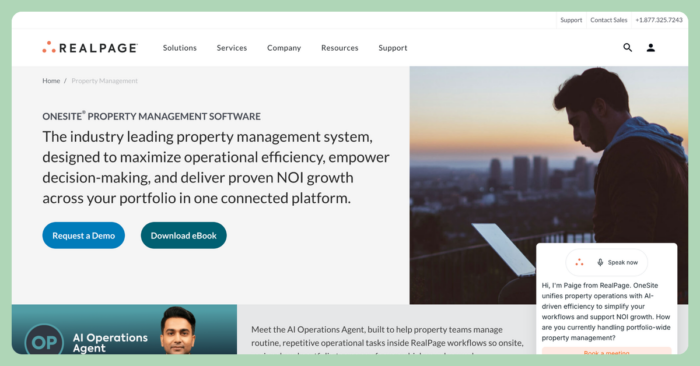
RealPage runs as an AI-enabled property management platform for multifamily portfolios operating at scale. It connects leasing, operations, accounting, and resident experience in one system, so teams managing thousands of units work from a single source of data. The platform suits large operators who need depth across every function in one system.
Platform Features
RealPage covers the full arc of managing a large portfolio:
- End-to-end property management across leasing, operations, and maintenance
- Integrated accounting, budgeting, and financial reporting
- Revenue management and pricing optimization tools
- Resident portals for payments, communication, and service requests
- AI analytics with real-time performance insights
- An open platform that connects to other systems through integrations
Each piece works with the next, which matters when you run reporting across hundreds of properties and cannot afford data living in disconnected apps.
Platform Pricing
RealPage uses custom pricing:
- Custom quote: priced by portfolio size, the products you select, and your implementation needs. Contact RealPage for a quote.
2. Salesforce
Best for Deep Customization Needs
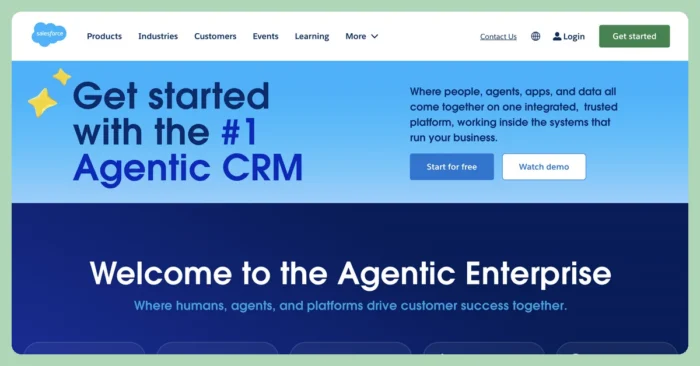
Salesforce is a general-purpose Sales Cloud CRM, and it forms the backbone that several commercial real estate tools build on. You can shape almost any pipeline, field, or workflow you want.
That flexibility comes with configuration overhead: adapting Salesforce for commercial real estate takes setup work or an add-on layer before it fits how brokers operate.
Platform Features
Salesforce gives brokerages a wide, configurable feature set:
- Lead, account, contact, and opportunity management
- A customizable pipeline with forecasting
- Reporting and dashboards you can tailor
- AppExchange integrations across thousands of apps
- AI through Einstein and Agentforce on higher tiers
Platform Pricing
Salesforce publishes per-user Sales Cloud tiers on its pricing page:
- Starter Suite: $25/user/month, with core lead and pipeline management
- Pro Suite: $100/user/month, adding forecasting and more customization
- Enterprise: $175/user/month, with advanced automation and reporting
- Unlimited: $350/user/month, with the full feature set and AI
3. HubSpot
Best for Teams Starting on a Free CRM
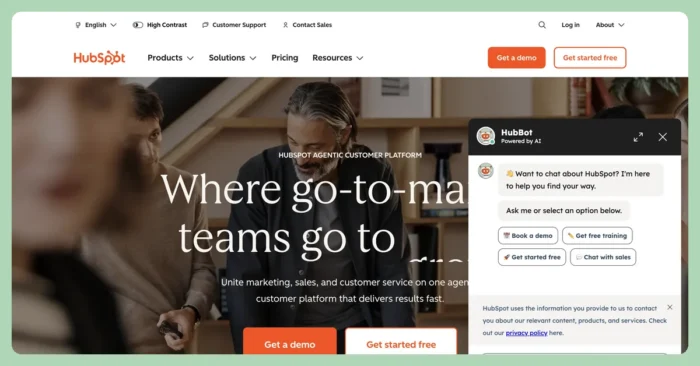
Teams that want to get moving without a budget approval often start with HubSpot, which offers a genuinely usable free tier. It is not commercial-real-estate-specific, though brokers adopt it widely for pipeline and contact management. The free plan covers the basics, and you add paid seats as your team grows.
Platform Features
HubSpot handles pipeline and contact work with room to scale:
- Contact management and deal pipelines
- Email tools, sequences, and meeting scheduling
- Reporting across your sales activity
- Conversation intelligence and forecasting on Professional and above
- More than 2,000 integrations
Platform Pricing
HubSpot’s pricing page lists a free plan plus paid Sales Hub tiers:
- Free: $0 for up to two users, with core CRM tools
- Starter: from $7/seat/month billed annually (or $20/seat/month monthly), adding automation and more limits
- Professional: from $90/seat/month billed annually (or $100/seat/month monthly), with a one-time $1,500 onboarding fee
- Enterprise: from $150/seat/month, with a one-time $3,500 onboarding fee
The free tier and free trials let you test before you commit.
4. AscendixRE
Best for Adding CRE Fields to Salesforce
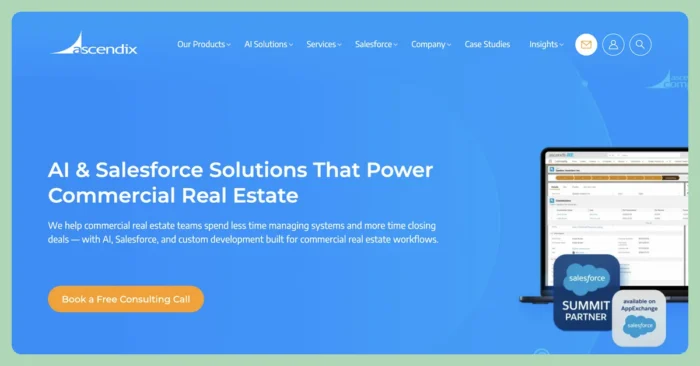 Brokers who want commercial-real-estate workflows without building them from scratch use AscendixRE, which sits on top of Salesforce (and also runs on Microsoft Dynamics).
It adds prebuilt commercial fields and workflows, and the Salesforce license comes included in the price. You get Salesforce’s foundation with a commercial layer already configured.
Platform Features
AscendixRE focuses on commercial-specific tracking through:
- Property, listing, lease, deal, and inquiry tracking
- Mobile apps for iOS and Android
- Outlook and Gmail integrations
- Dashboards, reports, and custom fields
- Ascendix Search with map and ZIP search, plus stacking plans
- A Composer for document generation and commission calculations
- An xRE AI Suite with ChatGPT and Claude connectors
Platform Pricing
AscendixRE lists per-user tiers on its pricing page:
- xRE Foundations: $79/user/month, with core commercial CRM fields
- xRE Enterprise: $99/user/month, with the fuller workflow set
- xRE AI Suite add-on: from $39/month per organization, requires Enterprise
The Salesforce license is included and plans bill annually.
5. Buildout
Best for CRM and Marketing for CRE Brokerages
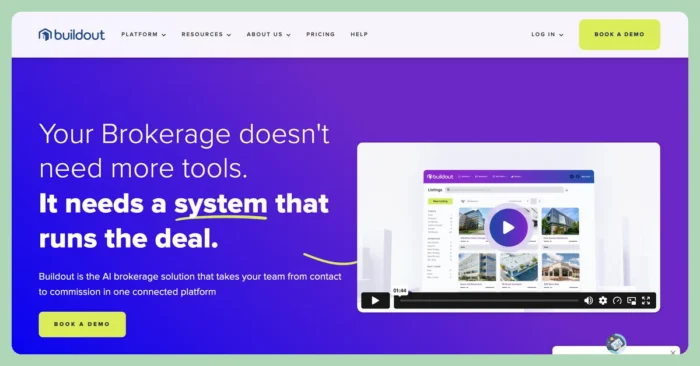
Buildout connects CRM, marketing (Showcase), and back-office tools (Manage and Close) in one commercial brokerage platform used by more than 50,000 brokers. Its strength is listing marketing and syndication, with 10-plus syndication partners. Buildout sells as a suite, so a smaller team may pay for more than the CRM alone.
Platform Features
Buildout combines prospecting, marketing, and back-office work:
- CRM and prospecting through Prospect by Buildout and Rethink
- Listing marketing and property websites
- Syndication to more than 10 partners
- Back-office and commission tracking
- AI-assisted prospecting and content
Platform Pricing
Buildout keeps its core CRM with a few basic details on starting prices:
- Prospect / Rethink CRM: $129/month, for CRM and prospecting
You can find details on their other plans by reaching out directly.
6. ClientLook
Best for Solo Brokers and Small Teams
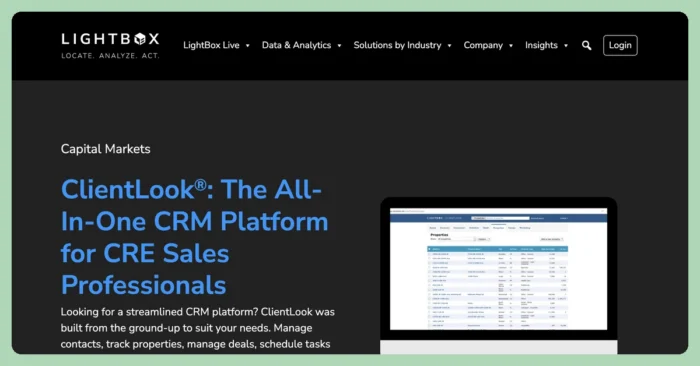
ClientLook is known for being easy to adopt. It pairs a virtual assistant service that enters your data for you with integrated LightBox property records. The platform stays lighter on heavy customization, which keeps solo brokers and small teams moving without a long setup.
Platform Features
ClientLook covers the core needs of a small operation:
- Contact management with deal and pipeline tracking
- A proprietary property database with 155M+ LightBox records
- Sale and lease comps
- Real-time client collaboration
- Mobile apps for iOS and Android
- Remote data entry through a virtual assistant, plus online lead capture
Platform Pricing
ClientLook publishes a single per-user rate:
- ClientLook: $129/user/month billed monthly, or $1,068/user/year (about $89/month billed annually), including the CRM and LightBox data
How to Choose the Right Commercial Real Estate CRM
Start with one question: do you run a deal pipeline or a portfolio? Brokers chasing listings, comps, and commissions need a commercial-native CRM built around deals. Operators managing properties need something different, which shapes every other choice you make.
Weigh these criteria as you compare:
- Data migration: ask how the platform moves your existing contacts and deals, and whether migration is included or billed separately
- Integrations: check that it connects to the email, marketing, and accounting tools you already run
- Mobile: confirm the mobile apps do real work, since brokers spend their days at properties and showings
- Adoption: pick the platform your team will actually use; a simpler tool that gets adopted beats a powerful one that sits idle
Frequently Asked Questions About Commercial Real Estate CRM Software
What is a commercial real estate CRM?
A commercial real estate CRM is software that tracks the contacts, deals, listings, and properties a broker works with. It keeps prospecting, pipeline stages, comps, and communication in one place so a deal moves forward without details scattering across spreadsheets and email.
What is the best CRM for commercial real estate brokers?
The best CRM depends on your size and workflow. Individual brokers and boutique firms often fit ClientLook or a similar platform, large brokerages that want customization lean toward Salesforce or AscendixRE, and marketing-heavy teams choose Buildout. Enterprise multifamily operators tend to run RealPage.
Is there a free commercial real estate CRM?
HubSpot offers a free CRM tier that covers contacts, deals, and pipeline management for up to two users, though it is not commercial-real-estate-specific. Most commercial-native tools skip a free plan and offer a demo or short trial, such as the 30-day trial from Salesforce and AscendixRE or the 10-day trial from ClientLook.
How much does a commercial real estate CRM cost?
Published pricing runs from about $79 to $129 per user per month for broker-focused tools such as AscendixRE and ClientLook. Salesforce starts at $25 per user per month and scales to $350, HubSpot ranges from free to $150 per seat, and enterprise platforms such as RealPage and Buildout use custom quotes.
Buildium’s Commitment to Safe and Secure AI
At Buildium, we believe that AI should be a trusted extension of our platform–not a replacement for human judgement. Our approach to AI is grounded in transparency, education, and rigorous security standards. We deploy AI features with a clear focus: to automate routine tasks while preserving the integrity of sensitive decisions that require human oversight. Lumina AI is built for property managers who value efficiency, security, and trust. We’re not just innovating–we’re doing so responsibly.