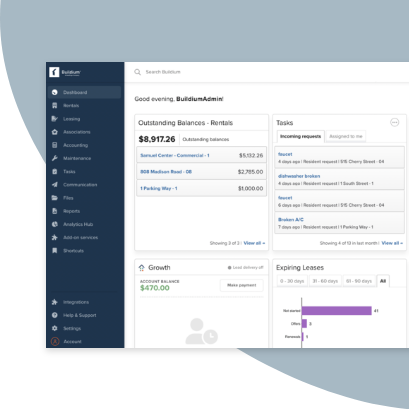
Property management is fundamentally about people. To succeed, you have to nurture strong relationships, not just with owners and residents, but also with the vendors, contractors, and team members you work with every day.
To really focus on those important relationships, you’ll need an efficient way to handle all the nuts and bolts of the business—from paperwork and accounting to applicant screenings and property inspections. That’s where technology comes in.
The past few years have seen an almost overwhelming number of digital tools grow in popularity, each promising faster and smarter solutions to help you manage your business. We’ve put together this guide to help you sift through your options to find the technology that actually solves your specific challenges, saves you money, and frees up time for you to focus on what matters.
How to Approach Property Management Software
A word of caution before jumping into the tools available to you: there’s no hard-and-fast rule on which software can get you the most value, nor is there a definitive list of solutions you should go out and purchase today. Instead, a smart investment starts with knowing your business and where you need the most help.
Audit your operations by asking:
- Which tasks take up the most time?
- What complaints do you receive from owners, vendors, staff, and residents?
- What obstacles stop you from growing or winning new business?
These are the areas where you’ll see the most benefit from new tech because, like any tool, the most effective software is the one you actually use.
The Secret to Doing More with Less
Running a property management company means planning for the unexpected and protecting your business through all the tosses and turns of the rental market.
Luckily, many property managers are finding an edge by focusing on technology that helps them do more with less. Efficiency is an important barometer to keep in mind as you explore the options out there. Ask yourself if, after the initial learning curve and onboarding, the tool you’re investing in will save you time in the long run.
Tools for Every Task
In our latest Industry Report, which pulls from thousands of survey responses from property managers, owners, and residents, we identify the most common types of technologies used in the business today. Here are the top 10:
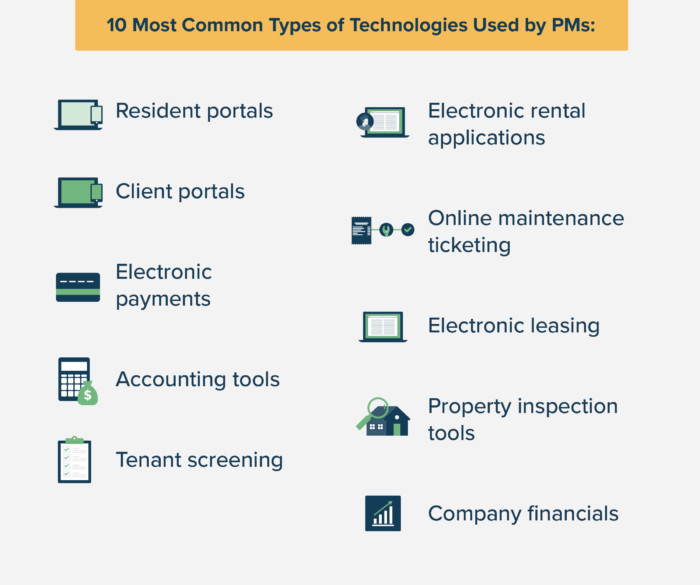
As we’ll explore, many owners and residents have come to expect these technologies and the convenience that comes with them. Other tools that will likely become commonplace over the next year include renter-focused services like self-service showings, virtual tours, and a maintenance contact center for residents, along with operational software for areas such as customer relationship management (CRM) and business analytics.
Don’t worry. You won’t need separate solutions for each of those areas. What you should consider, however, is how well your tools integrate with each other.
Why Your Tech Should Work Together
The combination of technologies your business uses—your tech stack—is only as strong as its weakest link. Outdated accounting software might mean hours spent on number crunching, repetitive data entry, and creating reports from separate sources.
Integration solves this problem. When your tech automatically links up, you benefit from:
- Less manual work: Data syncs automatically between systems
- Fewer errors: No duplicate entry means fewer mistakes
- Faster onboarding: Teams learn one platform instead of many
- Better experiences: Seamless workflows for residents and owners
Property management software that’s unified in a single platform delivers these benefits without forcing you to manage multiple tools.
Leasing Technology
Attracting and retaining residents is a top priority for most property managers. Technology has emerged to make finding long-term tenants easier at every stage:
- Marketing and listing: Syndication across multiple sites
- Showings: Virtual tours and automated scheduling
- Applications: Digital forms and e-signatures
- Screening: Background and credit checks
- Move-in: Online payments and utility setup
Marketing and Listing
You’ve put time to create an attractive rental listing and you’ll want to get it in front of the right renters. That means posting your listing on a variety of the leading listing sites such as Redfin®, Zumper®, Apartments.com®, Apartment List®, and the Zillow® Rental Network. Here’s the lowdown on the 7 best rental listing sites for property managers.
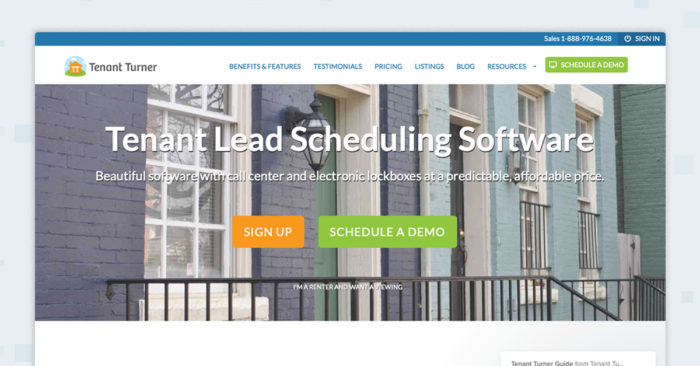
Listing syndication tools like Tenant Turner® can help speed up the process by posting each of your listings across the sites of your choice at the same time. The best of these tools save previous information you entered in case you need to relist a unit.
Showings
After finding your property, the next step for many residents is booking a showing. The same tools you used for syndicating listings should let you track any requests and schedule showings. You should be able to manage everything on one platform.
Virtual showings have become commonplace—and even preferred by some renters. In fact, 90 percent of respondents in a Zumper survey said they’d be more interested in a listing that offers a 3D virtual tour than one that doesn’t.
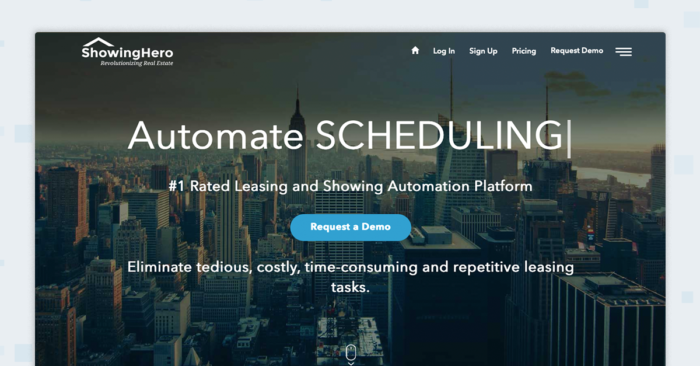
ShowingHero® combines self-tour options with comprehensive showing management, acting as a virtual assistant that fields requests from renters and schedules appointments for you.
Applications
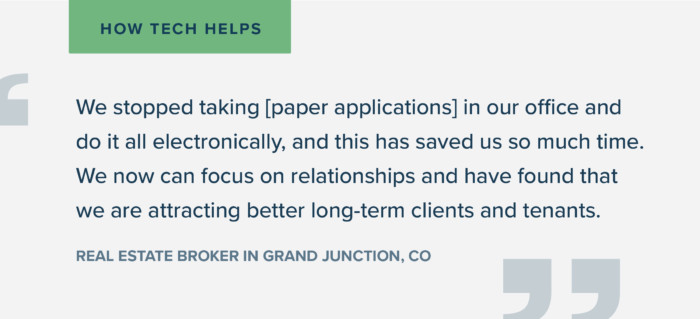
Technology can make applications easier for everyone involved. You can get more potential residents in front of your team and respond to applicants faster.
There are several tools out there that let you share and fill out applications digitally, complete with eSignatures. Opt for software that lets you save templates and customize them without creating a brand new document for each lease.
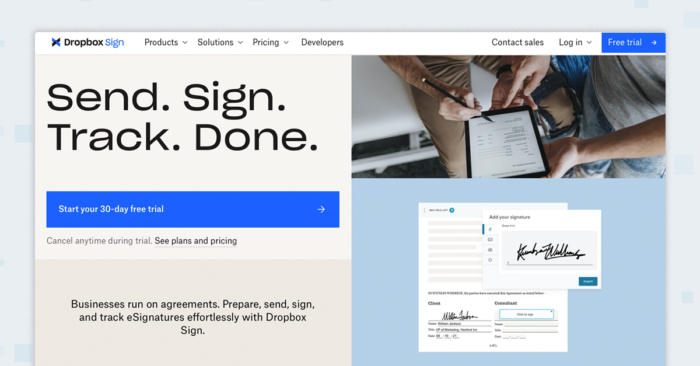
You’ll also want software to keep all your applications in one place so you can review them quickly. Dropbox® Sign, combined with Buildium’s leasing features, lets you do all of this.
The tool you use should let you set up automated messages, letting applicants know when each document has been received. No more missing out on your ideal renters from delayed responses.
Screenings
Speed is important when it comes to screening tenants, but you also have to be thorough. Tenant screening tools that can run background and credit checks from trusted agencies like TransUnion helps you do your due diligence quickly.
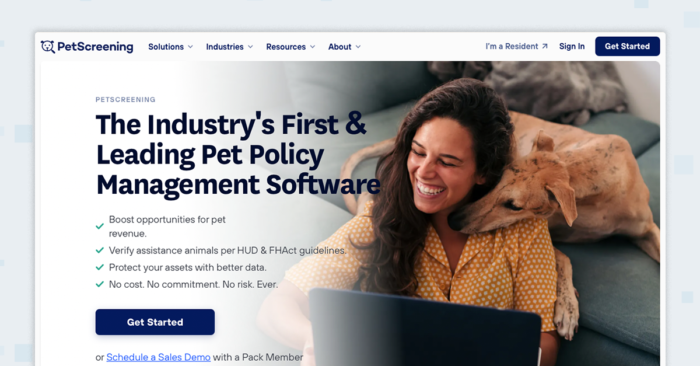
This is also the time to consider what other factors to screen for. A smart, tech-enabled screening can open the door to more potential residents without putting you or your property at risk.
Renters appreciate timely updates to screenings and the ability to submit any information using the same online platform.
Inspections and Security Deposits
Site visits and walkthroughs with each new tenant can be time-consuming for your team. That’s only after you’ve gone through the process of putting together the inspection checklist and paperwork.
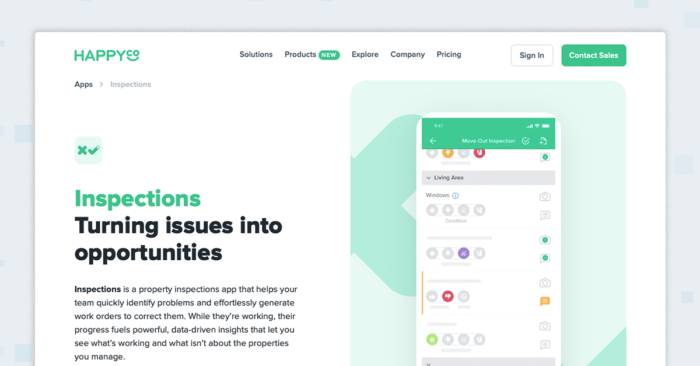
Third-party apps like HappyInspector® offer intuitive move-in inspection forms that you can adjust to match the layout of your units. Fill in your customizable form on a phone, snap pictures, and share all the details with your team.
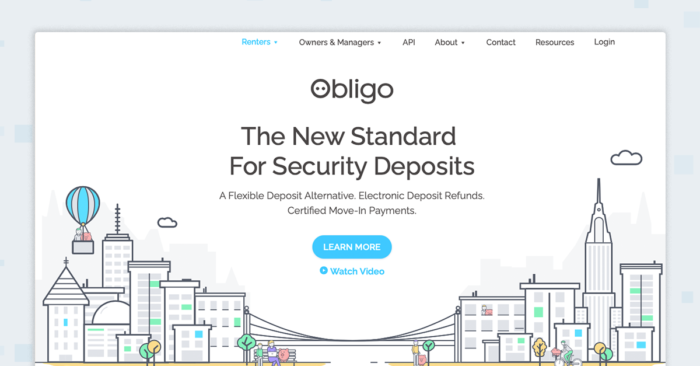
Tools such as Obligo® give you the option to either collect a traditional security deposit or offer a deposit-free option. You can bill tenants for any damages either during or at the end of a lease.
This option can eliminate security deposit sticker shock—a major hurdle for many renters, especially when the most cited reason for renting is an inability to afford a down payment—making your property instantly more attractive.
Rent Payments and Move-In
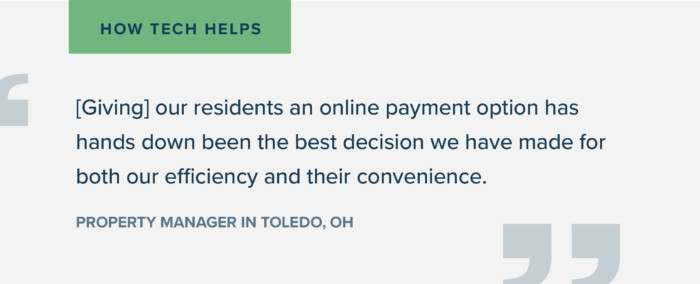
Since 2021, the number of renters who say they’d prefer to pay rent electronically grew by 26 percentage points. That’s a huge increase no property manager should ignore. Offer online payment options to stay on par with your competition.
Here are the payment types that have grown the most in popularity recently:
- Venmo, PayPal, Zelle & similar payment tools
- Electronic bank transfer & ACH
- Credit cards
You can stand out by offering payments through an online resident portal. You’ll keep a record of on-time and late payments automatically, sorted neatly within the same platform you use to manage the property.
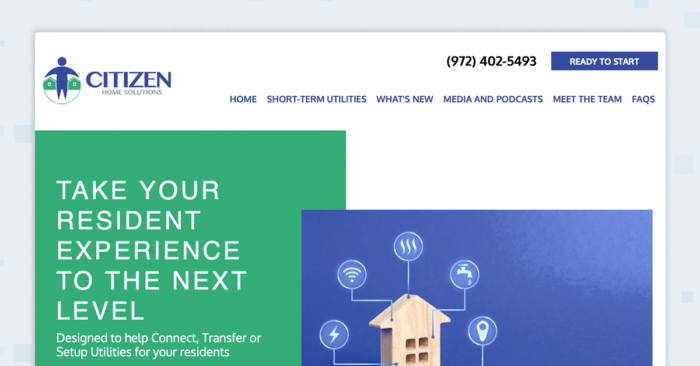
Tools such as Citizen Home Solutions® help residents set up their utilities faster. It’s a convenience that could set your brand apart and become an additional source of revenue for your business.
Communication Tools
Residents and owners are looking for easier ways to get a hold of you. Property management software is all about consolidation and having one platform to receive and respond to requests, share updates, and keep your business running.
With Residents
The same resident portal feature that makes online payments easy can simplify your communication with residents. The portal should be multipurpose, allowing residents to reach out, submit maintenance requests, and learn about important news.
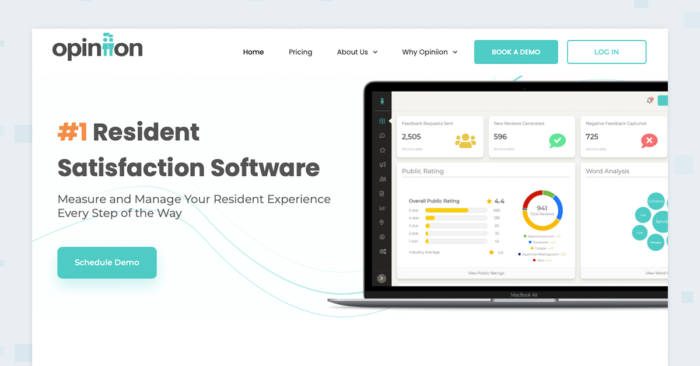
Services like Opiniion® give renters a quick and easy way to share their feedback at different stages of the leasing lifecycle. This type of automated survey tool helps you better understand the resident experience without doing the investigative work yourself.
With Owners
Your software might also offer an owner portal that lets you share vital business information with your clients. Having their own dedicated portal lets owners access data in real time, without contacting your team first.
Be sure you can customize the types of information owners can view. You want them getting the clearest view of their property’s health with only relevant data.
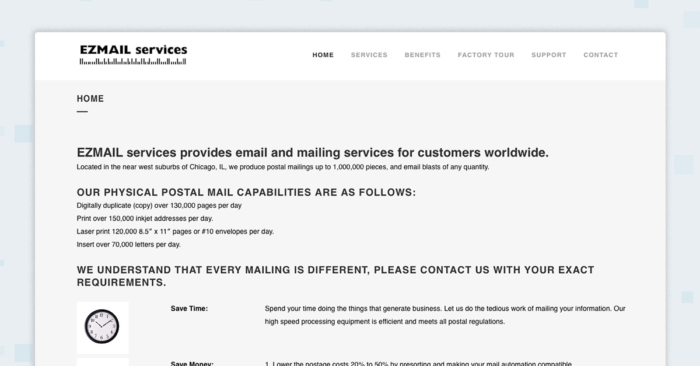
Security is also important since you’ll be storing and sharing sensitive documents online. Services like EZMail® help you print and mail notices when you need to send physical documentation.
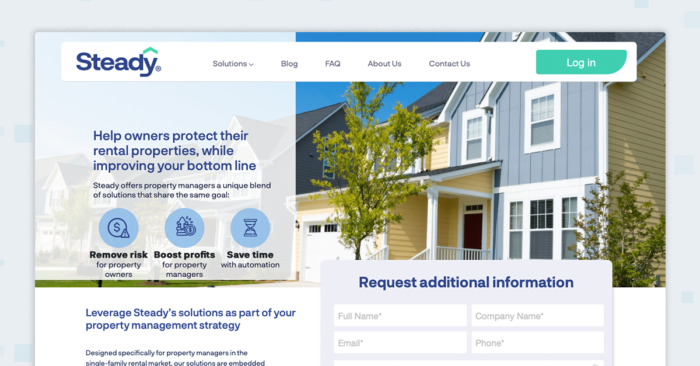
Steady® takes things further, offering benefits packages and rent protection options to owners while keeping them informed through legislative updates and quarterly reports.
With Your Team
You’ll want to have your team on the same page. The easiest way to do this is to use the same online platform for both external and internal communication. Your entire business will have a single source of truth for every request, team correspondence, and client record.
Make sure the platform you use is easily accessible from both desktop and mobile. Property managers and the partners they work with are always on the go.
Popular messaging and videoconferencing software may seem like the obvious choice, but consider how well these options integrate with your showing scheduling or maintenance request software. The more integrated your internal communication system is, the fewer redundant messages you’ll experience.
Property Management Accounting Software
Every business uses some kind of software for accounting, whether that’s a simple spreadsheet or a more complex platform. If you’re in property management for the long term, you need technology that adapts to meet your needs.
You’re also handling other people’s money on a daily basis, and with the median reported rent reaching $1,200 in 2024, you’ll want tools that can keep your various accounts separate and in order. For those reasons, purpose-built property management software for accounting is your best bet.
Taxes
Tax season doesn’t have to be a source of anxiety if you’re equipped with the right tech. Beyond standard business tax forms, property managers have to file both 1099-MISCs and 1099-NECs.
The best solutions automate this process, totaling amounts based on the ledgers you have stored and auto-filling 1099 forms for you. You can have your forms ready well before filing opens in January.
This kind of service is only possible with software built for property managers. Purpose-built tools give you more security, peace of mind, and value in the long-run.
Everyday Bookkeeping
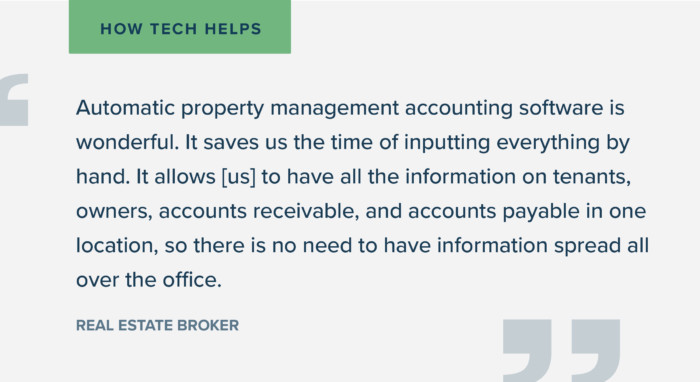
Accounting software isn’t just for tax season. Choose a platform that lets you file taxes, keep your books in order, and manage accounts in one place. You’ll reconcile rent payments, property fees, and other transactions without worrying if something slipped through the cracks.
With the right property management accounting software, you can spin up reports in just a few clicks, automating much of the process. You’ll have a secure digital record of every transaction, making it easy to trust your numbers and stay compliant.
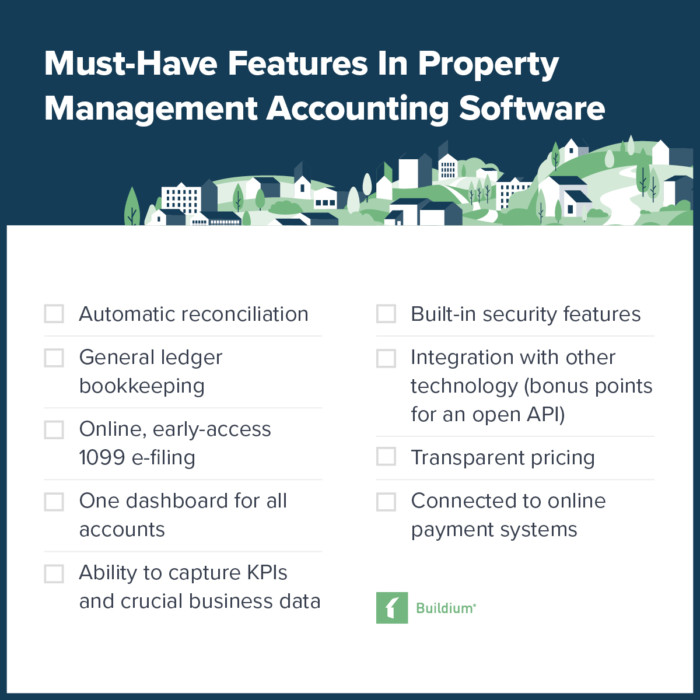
Here’s a checklist of the most important features you should look for:
Property Management Software Options for Day-To-Day Operations
Comprehensive property management software can speed up areas like accounting and leasing. But there are also tools that simplify all the smaller tasks that round out your daily operations.
Here are some examples of technology built for property managers.
CRM and Project Management Tools
CRM, or customer relationship management, has become a massive business opportunity. Next to the big names are purpose-built companies tailored to property management.
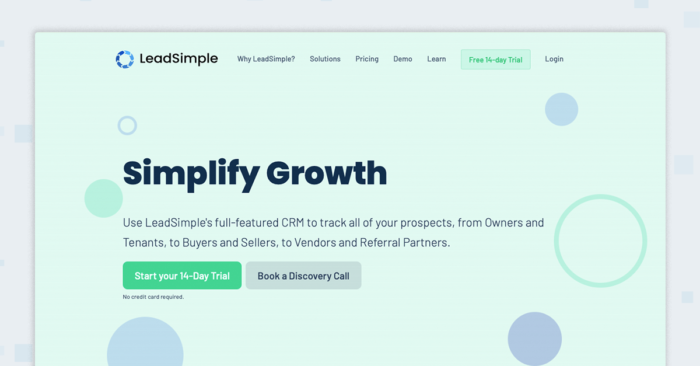
LeadSimple‘s® software is hyper-focused on property management. It organizes your leads and tracks both outbound and inbound calls, emails, and texts. Any team member can access these records and use automated messages to get back with prospects in minutes.
Look for customizability in generic products or property-management specific features like pre-built templates. Automation capabilities and an open API are telltale signs of a smart investment.
Maintenance and Repairs
Repairs are about timing. From the moment a resident makes a request, your reputation depends on how quickly you can address the issue, which is critical when less than one in three renters are satisfied with the cost of their housing and are therefore more sensitive to service quality. You just need the right maintenance management service.
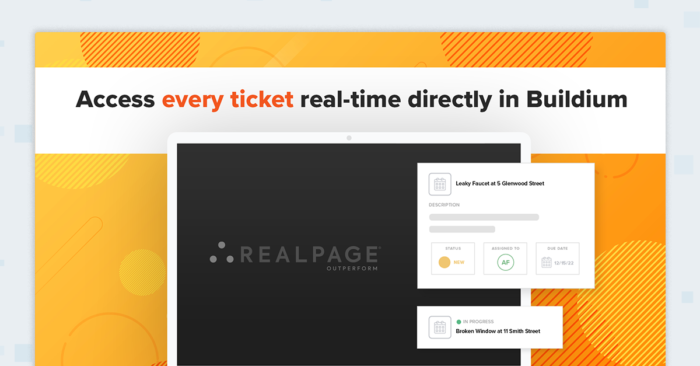
Maintenance contact centers like the one offered by RealPage take care of maintenance and repair requests for you, 24/7. Contact center software connects every request with a professional third-party agent and processes tickets in real time.
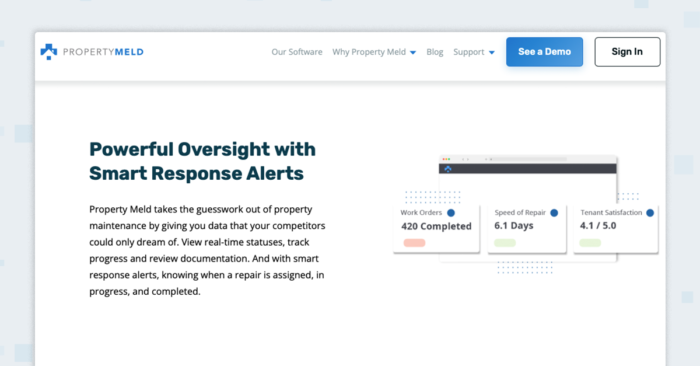
Property Meld® connects residents directly to your vendors while letting you track work orders every step of the way. These tools free up staff time without compromising on response time or quality of service.
Regulation and Compliance
A benefit of having a single solution for property management software is storing all your records on-platform, in one place. This makes it easy to stay compliant with local, state, and federal regulations.
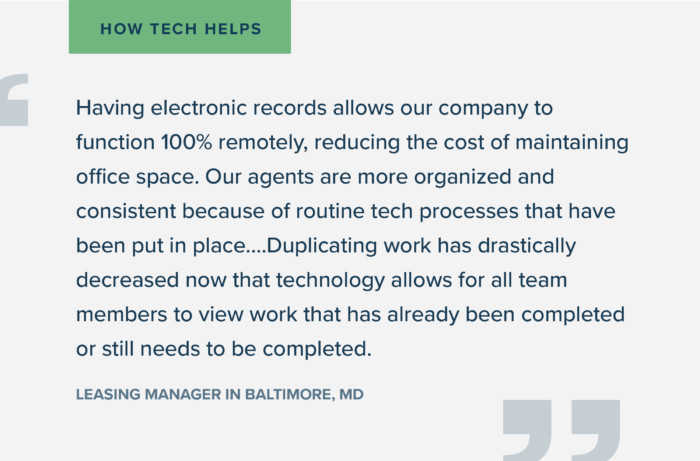
Look for software that emphasizes data security in all of its features and lets you customize who has access to what.
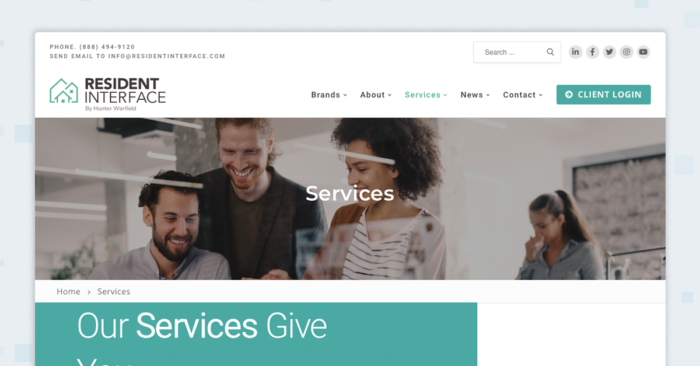
Platforms like Hunter Warfield’s Resident Interface keep you compliant while handling rent collection and payment reminders for you.
For HOAs and Community Associations
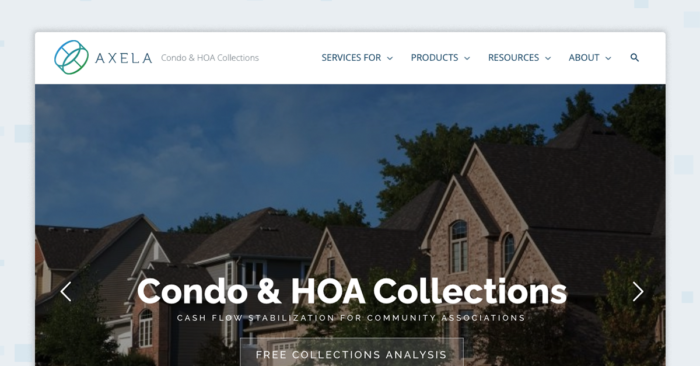
If you’re managing an HOA or community association, there are tools designed specifically for your operations. Axela® handles association collections, automatically identifying delinquencies and sending notices. The software gives you oversight and control over each stage of the process.
Technology To Help Your Business Grow
Once you’ve built up the right tech stack, it’s time to consider tools that help you plan for growth, attract new clients, and take on more doors. These are some of the most promising options out there to prepare your business for its next chapter.
Data and Analytics
Whether your growth strategy involves finding new properties, expanding services with existing clients, or unlocking additional revenue streams, data analytics tools can help you make the right move.
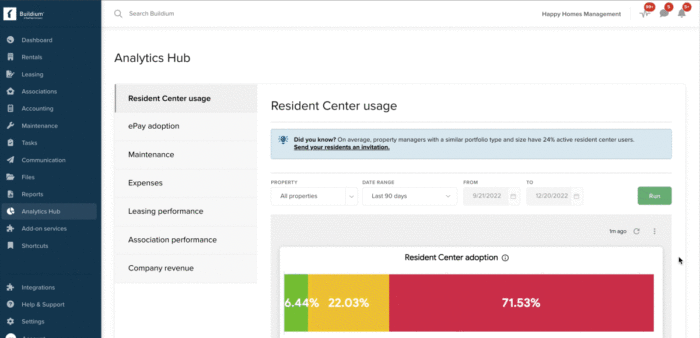
An Analytics Hub, like the one in Buildium, gives you visibility into important metrics and KPIs across your business. You can set and track your own goals and compare how you’re faring against industry benchmarks. This gives you a clear roadmap for growth.
Your Digital Brand
Growing your company gets a lot easier when you have a strong online presence. A website is the home of your digital identity and is often the first impression potential clients have of you. An effective property management website doesn’t have to be too fancy, but it does have to feel professional.
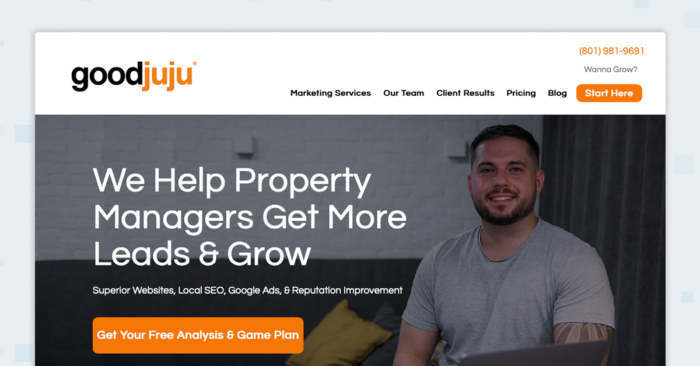
Use a specialized service like Goodjuju® that designs websites specifically for property managers. Add content that clearly defines your brand, values, and quality of service.
Once you’ve built an attractive website, look into search engine optimization (SEO) opportunities and use tools like local Google Ads to target owners in your area.
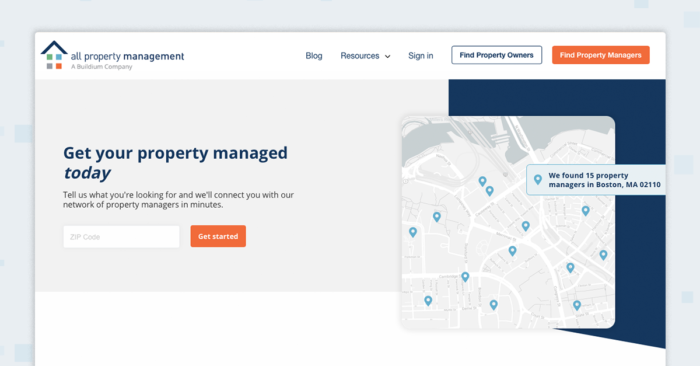
Many rental owners search through dedicated property management company databases such as All Property Management. Make sure your business is listed on those sites as well.
How to Choose the Right Software for Your Business
Finding the right fit starts with understanding your specific needs. Follow these steps:
- Assess your current challenges
- Consider ease of use
- Look at the real costs
- Plan for future growth
Assess Your Current Challenges
Before you look at any software, look at your own operations. Where are the bottlenecks? Are you spending too much time on accounting or maintenance coordination?
Make a list of your biggest pain points. This helps you focus on tools that solve real problems for your team.
Consider Ease of Use
A powerful system is only useful if your team is willing to use it. Look for software with a clean interface and straightforward workflows. During a demo or trial, have your team test out a few basic tasks.
Look at the Real Costs
The monthly subscription fee is only part of the picture. Ask about costs for setup, data migration, training, and ongoing support. Understanding the total cost will help you avoid surprises.
Plan for Future Growth
Choose a platform that can grow with your business. In a competitive market where the growth of the housing stock has steadily declined, it is essential to have a system that can handle more units, users, and properties as your portfolio expands. A flexible system will support your goals instead of holding you back.
Getting Started: Implementation Tips
Once you’ve chosen your software, a thoughtful rollout makes all the difference. Follow these implementation steps:
- Communicate with your team early
- Clean up your data
- Train in small, focused steps
- Launch in phases
Communicate with Your Team Early
Let your staff know about the upcoming change and explain why you’re making it. Set clear expectations, talk about the benefits, and give everyone a chance to ask questions.
Clean Up Your Data
Before you move any information into the new system, take some time to clean up your existing records. Correct any errors, remove duplicate entries, and make sure your files are organized.
Train in Small, Focused Steps
Don’t try to teach your team everything at once. Break the training into smaller sessions focused on specific tasks, such as processing a payment or creating a work order.
Launch in Phases
Consider rolling out the new software to one part of your portfolio or one team at a time. This allows you to test the system and gather feedback before going live across your entire business.
The Tools You Need, All in One Place
Keep all the areas we’ve explored—leasing, communication, accounting, operations, and growth—in mind when selecting property management software. The tools you use should be able to integrate with each other, so you can run your business with less effort and greater visibility.
Buildium’s platform brings together the best property management tools in a package that’s both extensive and easy to use. You can try out Buildium with a 14-day free trial or by scheduling a guided demo to make sure it’s a good fit.
If you understand your business and use this post to find the right technology, you’ll be rewarded with more time, more profits, and the ability to focus on the parts of the job that you love.
Download our free Property Management Software Checklist.
Frequently Asked Questions About Property Management Software
What is the most popular property management software?
Popular platforms include Buildium, AppFolio, and Yardi Breeze, but the best choice depends on your portfolio size, budget, and specific needs.
How much does property management software typically cost?
Most platforms charge a monthly fee based on unit count, typically per-unit pricing, with potential setup fees and feature-based charges.
How long does it take to implement new property management software?
Most implementations take a few weeks to a couple of months, depending on portfolio size and data complexity.
Can property management software integrate with my existing tools?
Yes, most platforms integrate with accounting systems, background check services, and other tools. Look for software with a marketplace of partners or an open API for maximum flexibility.