


Managing an association is about more than just managing a board and the homeowners they represent. It’s about managing personalities.
Successfully navigating the often chaotic world of community associations successfully takes airtight operations and reliable technology.
Simply put, if you’re second-guessing the tools you use to get work done, you won’t be able to deliver the level of service needed to win and keep clients.
To help you move forward with more time, efficiency, and confidence, we’ve put together this guide to the best community association management software on the market. Whether you manage an HOA, condo, co-op, or other association, there’s software out there that can help, and you’ll find some of the most effective options below.
Or, check out our video.
What Is Community Association Management Software?
Community association management software is a digital platform designed to handle the day-to-day operations of HOAs, condos, and co-ops. It centralizes tasks such as accounting, maintenance tracking, violation management, and board communication in one system.
The software simplifies nearly every task, taking work off your plate while helping you deliver better service. Most platforms can also connect to other technology you already use, so you can complete almost every management task with a familiar set of tools.
Key Features of Community Association Management Software
Your community association management software should allow you to do more with less, ultimately leading to a greater return on your investment. General tools can’t handle association-specific needs such as:
- Tracking and billing for violations
- Managing architectural review requests
- Communicating with board members and homeowners
- Handling association-specific accounting and reporting
Look for software built specifically for associations with these features below.
Maintenance Requests and Tracking System
Keeping all the different parts of your community in tip-top shape takes impeccable organization and timing. When even the smallest repair job slips through the cracks, residents will be the first to let you know.
Community association management software often includes vendor and maintenance management features to automate much of the work you would otherwise be stuck with. The best software out there will let you store contact information for all the vendors you work with alongside work history for each property and unit, making your job both faster and easier.
You’’ll also want to look for a reliable ticketing system, so homeowners and your team can request repairs, send out automatic updates for scheduled maintenance, and handle invoicing, all using the same technology. Mobile compatibility is equally important if you want to be able to inspect units or shared spaces on the go.
Online Payments and Credit Card Processing
The need for intuitive invoice management tools highlights another core feature of management software: online payments.
Having a streamlined epayment system in place—complete with automated reminders when a payment is due—makes it easier for homeowners to pay fees on time and easier for you to track any delinquencies or other red flags. That way, you’ll be able to handle any persistent issues before they become too costly.
Financial Reports and Budgeting Tools
The best community association management software includes specific features dedicated to accounting and reporting. These features can give you specialized templates, fields and reports that are tailored for the industry.
You can complete bookkeeping tasks much more efficiently than with generic accounting software and even start filing 1099s early, so you’re not scrambling when tax season arrives.
Industry-specific tools make it easier to create budgets and performance reports in more detail, as well. You can then share these documents with your team or clients, giving them access to all the relevant details, without any unnecessary complexity.
Resident Communication and Event Management
If you’’re looking for an easier way to keep homeowners updated on important news, events, or changes related to the community, an online communication portal built into your software is a must-have. The portal should be easy to navigate and flexible for different types of communication.
A go-to point of contact makes it easier to make sure everyone gets the information they need. You can even use the platform to send out surveys and request feedback. More engagement and fewer missed messages adds up to happier residents and an easier to manage association.
Document Management and Storage
You should be able to use association management software to simplify the back end of your business, as well. The software you choose should let you save and sort all the files for both your company and the associations you manage.
Those can include board documents you can look up quickly and share with board members as needed. You can also safely store contracts and financial details that you can safely keep via a digital record. Just be sure the software you choose prioritizes strong security measures.
Architectural Requests
Reviewing architectural requests takes a careful eye and deep knowledge of both an association’’s bylaws and relevant compliance standards and regulations. Software can help focus your attention by removing unnecessary complexity.
The best community association management software provides a centralized platform and clear process for submitting requests digitally. This makes it easier for both the homeowners when they submit a request and for your team, since they can access and review each request in one place.
Some platforms even let you send out update notifications automatically and track the progress of each request. You’ll have all the details saved in a historical record you can access anytime.
Benefits of Using Management Software for HOAs and Community Associations
At this point, the convenience and time saving benefits of using community association management software should be clear.
Let’s take a quick look at some of the more specific benefits you can expect once you have the software in place.
Streamlined Communication and Automated Payments
Regularly keeping track of your team’s conversations and relationships is where a communication portal really shines. If the software you use has an easy-to-navigate design, residents, board members, and anyone else you’re in regular contact with will be more than willing to use the platform to meet all their communication needs.
Having every conversation easily accessible and searchable can save hours for your team, shorten response times, and reduce lost or forgotten requests. Your staff’s bandwidth and your professional reputation can benefit from such a simplified system.
Likewise, automatic payments are a convenience for both you and for association members, and can have similar advantages for your business, saving time while reducing human error in the process. Software that combines both these capabilities in one platform is ideal, leading to faster onboarding and a more consistent, straightforward experience for your residents and clients.
Increased Efficiency and Reduced Expenses
The best community association management software is comprehensive. It should give you the tools you need to be more efficient in all aspects of your business. We’ve touched on many of these areas already, including maintenance, accounting, managing requests, and keeping documents in order.
The value of each tool comes down to the time and expenses it can save your team. That’s one of the reasons why automation is an important capability to look for whether you’re balancing your books or sending out repair work reminders. Once you select a software solution, you can measure its success by how much more you are able to accomplish during a work day, but by how much more you can accomplish and how much money, staff time, and resources you save while still hitting your benchmarks.
You can devote the staff hours and resources you save toward planning business growth, expanding to additional associations, and strengthening your brand’s reputation. The efficiency and reporting capabilities that management software provides can help you do this.
Improved Inspection, Violation Tracking, and Rule Enforcement
Of course, community association management is also about expecting the unexpected, and the right software can help on this front, too. You should be able to use your platform to keep detailed digital records automatically, supported by customizable, industry-specific fields and reports. When a violation occurs, you’ll have the specific rules, past communication, and agreed upon protocols at hand to resolve the situation fairly and quickly.
Secure, accessible records can also help you keep board members, your team, and any projects you lead for an association compliant with local regulations and consistent with the rules of the community. This is helpful for larger changes, such as introducing a new service or amenity, or for smaller tasks like conducting regular inspections.
The right tools at your disposal make it easy to become a trusted partner for the boards you work with, an unbiased arbiter during any disputes, and an all-around efficient association manager.
How Much Does Community Association Management Software Cost
HOA software is commonly priced on a per-unit, per-month basis, often in the per unit, depending on features and portfolio size. Pricing models include:
- Per-unit pricing: Monthly fee based on total units managed
- Tiered plans: Bundled features at different price points
- Transaction fees: Additional charges for online payments (commonly around 2-3%)
When evaluating cost, look beyond the monthly fee. Consider time saved through automation, support quality, and setup costs. The right software should help your business operate more efficiently and grow.
The Best Community Association Management Software in 2026
Now that you know what features and benefits to look out for, let’s jump into 11 of the best community association management software options to improve efficiency, and what sets them apart.
1. Buildium: Best Comprehensive Community Association Management Software
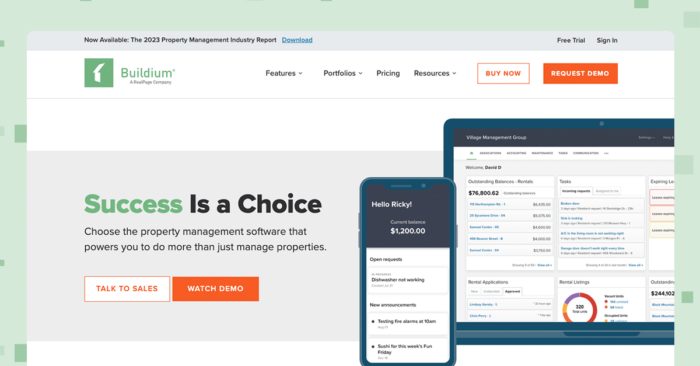
Buildium’s® industry-leading platform is purpose-built for the industry, and can streamline almost every aspect of community association management, whether your portfolio contains exclusively HOAs, COAs, or a mixture of both.
Features
With Buildium, community managers can access a full suite of community association management technology that helps you get more done, faster, including an array of accounting features with online bill payments, epayments for vendors, bank reconciliation, and automated late fee charges with reminders.
Buildium’s Resident Center is a central hub for residents to make payments online, reach out to staff, access important notifications, and submit maintenance requests.
You’ll also have access to financial reports, board meeting minutes, association by-laws, and other management documents.
In Buildium’s chart of accounts, you can log and track and bill for violations, noting any recurring delinquencies. Team members can also start preparing their 1099s before the IRS opens filing, and then submit forms digitally.
Buildium also has AI capabilities that are built into the platform through Lumina AI®, a collection of intuitive tools and agents that help property managers do more with less:
- AI Assistant surfaces real-time guidance, help articles, and step-by-step walkthroughs based on what the user is doing in the product.
- For Premium users, AI Bill Scan extracts data from uploaded invoices to create ready-to-review draft bills in seconds.
- For Growth and Premium Users, Write with AI helps users generate resident messages, announcements, and emails quickly, with adjustable tone and translation options.
With the Buildium Marketplace, you’ll be able to access an ever-growing ecosystem of apps to help you handle a variety of management tasks more efficiently.
Pricing
Buildium offers three pricing tiers, all of which include:
- Accounting
- Maintenance Task Management
- Violations
- Online Portals
- Resident & Board Member Communications
Each of the three tiers is designed to meet community association managers’ needs at different growth phases:
- Essential: Starts at $62/month and includes Buildium’s core features, including accounting and task management tools.
- Growth: Starts at $192/month and includes reduced incoming ACH fees, unlimited eSignatures, and actionable insights in Analytics Hub.
- Premium: Starts at $400/month for property managers who want to automate their workflows. It includes everything in Growth, unlimited incoming ACH (fees waived), plus access to Buildium’s Open API and Priority Support.
2. HomeWiseDocs: Versatile Association Documentation Software
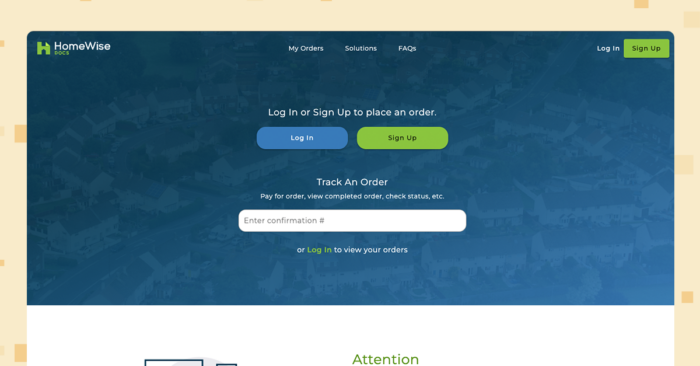
Association documentation can be one of the most difficult parts of the job to manage effectively. HomeWiseDocs® aims to make that easier with a dedicated documentation solution for associations that simplifies the sale and resale process and works well with other association management software.
HomeWiseDocs specifically focuses on association documentation and allows management companies to order and track important documents related to the refinance or sale of condos or other properties within a community. This cuts back on the paperwork and resources needed to organize and disclose important details during a sale or refinance of a property.
Features
HomeWiseDocs’s document management platform lets users:
- Process payments
- Answer requestor questions in a timely manner
- Fulfill order requests and guarantee deadlines
- Coordinate order delivery
- Identify orders with missing or expired documents
- Monitor document expiration timing
- Utilize an analytics dashboard to track performance and find new revenue sources
Pricing
Community association managers, themselves, are not charged for HomeWiseDocs’s software. Fees are instead added to whatever price you choose to charge for your services.
3. PayHOA: Helpful Software for Starting Out
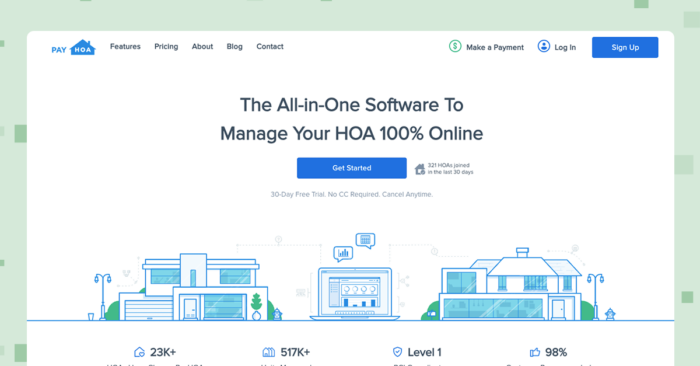
If you’re just getting your association management business off the ground, PayHOA® has several standard features that cater to both COAs and HOAs. Its cloud-based software is best suited for smaller businesses.
Features
PayHOA’s features are built around a central dashboard,where you can manage maintenance requests, payments, violations, and other common tasks.
Accounting tools to track payments, income, and expenses, and the status of bills and invoices are useful for community association budgeting. Managers can also communicate with boards and residents. You can use this tracking to guide growth and business decisions.
If you run a large operation, however, this software may not be for you. PayHOA’s pricing only covers community association management companies with 500 doors or less.
Pricing
PayHOA has a unit-based pricing structure. In addition to the starting costs below, there is a 3.25% plus 50 cents charge to process credit card transactions and a $1.95 per check charge for eChecks:
- Under 50 units starts at $49/month
- 26-50 units starts at $59/month
- 51–100 units start at $99/month
- 101–150 units start at $129/month
- 151–200 units start at $169/month
- 201–300 units start at $199/month
- 301–400 units start at $229/month
- And 401–500 units start at $249/month
For more than 500 units, PayHOA charges $0.55/unit per month with a minimum spend of $275/month.
4. Condo Control: Useful Software for Board Meetings and Management
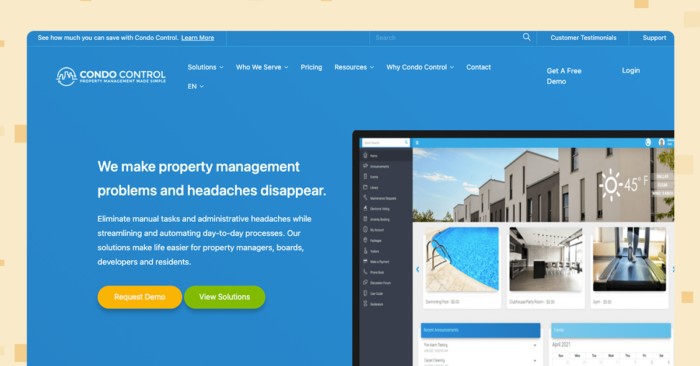
Condo Control’s® services extend beyond community association managers to encompass residents, boards, and developers. This broader approach makes it a viable option for managing board-related tasks and relationships.
Features
A Condo Control subscription grants you access to several features, including:
- Proxy voting an e-voting for board meetings
- Status certificate management
- Asset management
- Violations and maintenance ticketing
- Online payments
- Amenity bookings
Pricing
As part of its tiered pricing plan, Condo Control groups its features into Standard Living. Modern Living, and Premium Living packages. Their site has a detailed breakdown of what each plan includes, although you’ll have to reach out to them directly for pricing.
5. eUnify: Established Association Management Software for HOAs
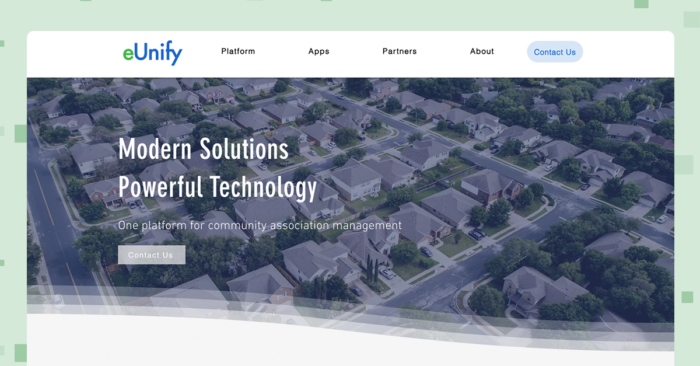
eUnify® is software that is specifically focused on HOAs and has been in the business since 2001. Its platform includes simplified management tools that can be adapted to meet the needs of different HOAs and HOA management companies.
Features
eUnify includes the standard features you’d expect, plus some options for customization. These include a straightforward accounting system for your general ledger, accounts payable, and accounts receivable. You can use their accounting tools to automate bank reconciliation and recurring payments.
The software also includes three portals for homeowners, boards, and owners. Accessing each lets you handle architectural requests, resident messages, work orders, and violations from within the platform. You can also send out eblasts, push notifications, and custom letters.
Finally, you can set up eVoting in eUnify that cuts the cost of holding in-person elections.
Pricing
Like many of the other options on this list, eUnify does not lay out pricing details on their site clearly. You’ll need to reach out directly to get a quote.
6. FRONTSTEPS: Specialized Software for Managing Payments and Cashflow
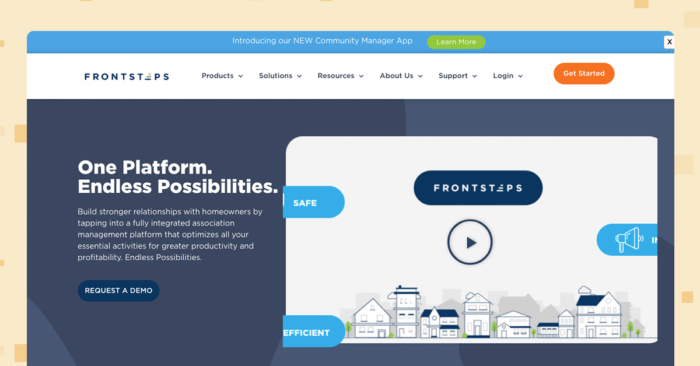
If you’re looking to get a handle on association payments without other management features, FRONTSTEPS® could be an effective option. The software places an emphasis on financial management designed for association accounting.
The goal of the software is to reduce the time it takes to make and track payments, manage vendor invoices, and organize your books.
Features
FRONTSTEPS’ suite of financial management features include:
- A vendor management portal
- Several bank integrations
- Automated payment options
- Auto-lock processing
- Automated account reconciliation
- The ability to set and override workflow approvals
- The ability to post payments in real time to the homeowner ledger
- A mobile app to manage operations on the go
In addition to these features you can make use of FRONTSEPS’ community portal, mass email communication and guest check-in tools.
Pricing
You’ll need to contact FRONTSTEPS directly to learn specific pricing details and set up a demo.
7. CINC Systems: A Mobile-First Option for On-the-Go Association Management
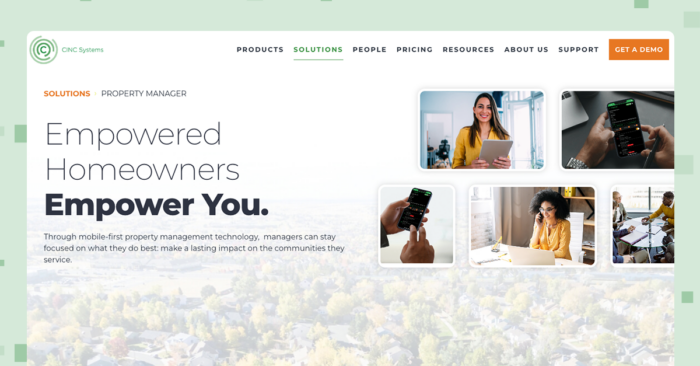
CINC Systems® brings together many essential association management capabilities into their mobile app experience. The software aims to simplify daily workflows while still giving you the important details you need to manage HOAs, COAs, and their boards.
Having these details in one place on your phone is convenient, but can also come at the cost of a wider range of more advanced features. Let’s look at what the software offers.
Features
From its mobile app, CINC Systems lets you:
- Automate task with pre-built workflows
- Send automated alerts to associations when the monthly board package and financial documents are ready
- Use the central platform to track violations, fines, and work order
- Auto-lock processing
- Automate account reconciliation
- Share account details directly with homeowners through a web portal
- Enable and request online payments
Pricing
CINC Systems only offer a custom pricing option based on doors managed, desired integrations, payment offerings, and several other factors. Reach out to them on their site for a quote.
8. HOALife: Tools for Day-to-Day Operations
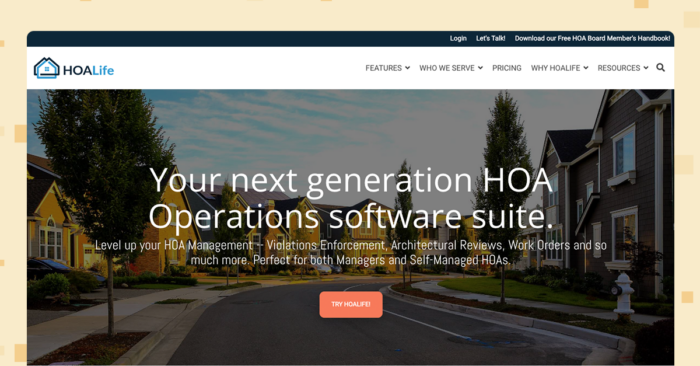
HOALife ® can be a solid choice if you need a handful of basic tools to keep your association management operations running. The platform is intended for both HOA management companies and self-managed HOAs.
It comes with a level of simplicity that’’s accessible for users with various levels of management experience.
Features
HOALife includes the usual set of features in association management software, including:
- Violation tracking
- Mass emails and custom email templates
- Work order and maintenance coordination tools
- Owner portals that cut down on back-and-forth communication
- Architectural requests
- A mobile app
If you’re looking for accounting tools, however, HOALife may not be the right software for you. They do not offer any accounting features within their platform.
Pricing
HOALife’s tiered pricing comes in the form of two plans:
- Violations Essential Plan: $199/month covering 250 properties (you can add ore properties for $0.55 each). It includes violation enforcement, communications, owners portals, owner management features, a Quickbooks integration, HOA document templates, data importing, exporting, and reporting, and a handful of other violation management features.
- All In Plan: $299/month covering 250 properties (with additional properties for $0.75 each). This plan adds on more communication, architectural request, owner management, accounting, and payment features, plus a larger variety of integrations.
Both plans offer the same support features.
9. Condo Manager: Customizable Software for COA Management Companies
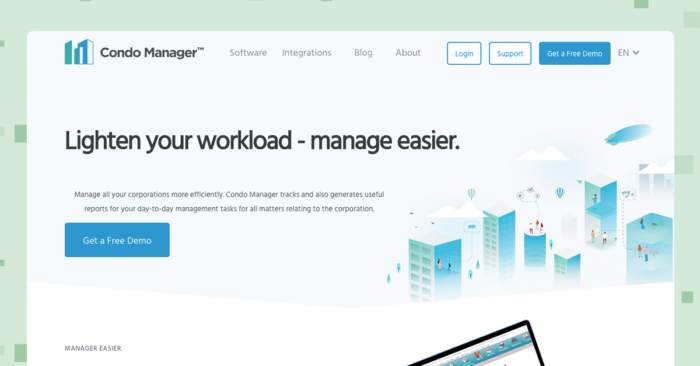
Designed by property managers, Condo Manager® offers a practical toolkit that caters to condo operations. It aims to simplify the management process with a handful of key features that emphasize ease of use.
You can also customize certain modules, document templates, written procedures, and service requests to meet your company’s specific needs.
Features
Condo Manager’s main features allow you to:
- Set up esigning and epayments
- Automate recurring transactions
- Manage receivables and payment invoices
- Track delinquencies
- Enable bank reconciliation
- Keep records of past communication with owners, residents, and vendors
- Use the platform’s website building service
- Send out statements automatically to owners
- Count election votes online and track meeting minutes
- Generate financial reports and other statements
- Manage maintenance and repair work
Pricing
For pricing details, you’ll need to reach out to Condo Manager and schedule a demo. They currently don’t list specific pricing on their site.
10. Omnify: A Platform for Managing Access to Amenities
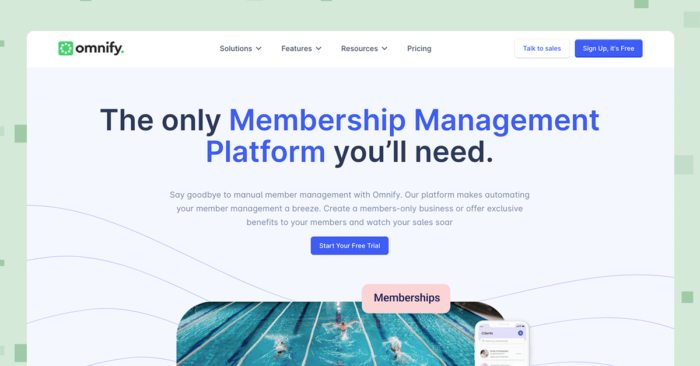
Slightly more niche than other solutions on this list, Omnify ® is a membership management platform you can use to more effectively schedule access to an association’s amenities.
Omnfiy is not specifically designed for community associations, but it does include an easy-to-use interface that can boost resident engagement and satisfaction. Keep in mind that the software focuses on a very specific function, so it may not handle the same breadth of tasks as other solutions mentioned earlier.
Features
Omnify lets you customize access to different amenities based on your association’s rules, the type of amenity, and your approach to membership. On the platform, you can:
- Create tiered membership pricing
- Implement QR code check-ins
- Set up auto-recurring memberships
- Include benefits and incentives such as discounted pricing
- Set up one-time and recurring booking options for facilities
- Track all member data from the dashboard
- Send out notifications for payment due dates and renewals
Pricing
Omnify offers three pricing plans:
- The Growth Pro plan is priced at $149/month, has a 2% transaction fee per booking, and includes revenue and performance reports, automated emails and alerts, flexible payments, and class and roster management.
- The Accelerate Pro plan is $349/month with 1% transaction fees, and includes parties and memberships, gift card management, advanced reports, and dedicated support.
- The Scale Pro plan is $599 per month with 0.5% transaction fees and adds on custom reporting, email and SMS messaging, and a branded app.
There are also several other services you can add on to each plan and discounts if you pay annually.
How to Choose the Right Community Association Management Software for Your Needs
Choosing the right software starts with understanding your needs:
- Identify pain points: List your biggest operational challenges (accounting, board communication, maintenance)
- Match features to needs: Specialized tools work for single tasks; comprehensive platforms improve entire operations
- Consider growth: Choose platforms that scale with your portfolio size
- Test before committing: Use free trials to evaluate fit
With transparent pricing and a free 14-day trial (no credit card required) and guided demo, we recommend giving Buildium’s community association management features a try. It’s risk-free and can give you a clear sense of what’s possible when you’ve got the right, purpose-built tools for the job.
Frequently Asked Questions About Community Association Management Software
How much does HOA management software typically cost?
HOA software is commonly priced on a per-unit, per-month basis, often in the range of $1-5 per unit, with basic packages starting around $50-100/month for small associations and comprehensive platforms costing more based on features and portfolio size.
What is the best association management software for small management companies?
For smaller companies, look for easy-to-use, scalable platforms with core accounting, communication, and maintenance features such as Buildium’s Essential plan or PayHOA for portfolios under 500 units.
Can HOA software integrate with accounting systems?
Yes, most HOA platforms include built-in accounting or integrate with QuickBooks and other systems through open APIs for customized workflows.
What’s the difference between HOA software and regular property management software?
HOA software includes association-specific features not found in rental management software: violation tracking, architectural request management, board portals, and association document management.
How long does it take to implement new HOA management software?
HOA software implementations commonly take several weeks to a few months, but this investment in technology pays off; high-performing organizations can complete major system changes in two to four months, while less-advanced peers may need up to a year for similar updates.
Buildium’s Commitment to Safe and Secure AI
At Buildium, we believe that AI should be a trusted extension of our platform–not a replacement for human judgement. Our approach to AI is grounded in transparency, education, and rigorous security standards. We deploy AI features with a clear focus: to automate routine tasks while preserving the integrity of sensitive decisions that require human oversight. Lumina AI is built for property managers who value efficiency, security, and trust. We’re not just innovating–we’re doing so responsibly.

