

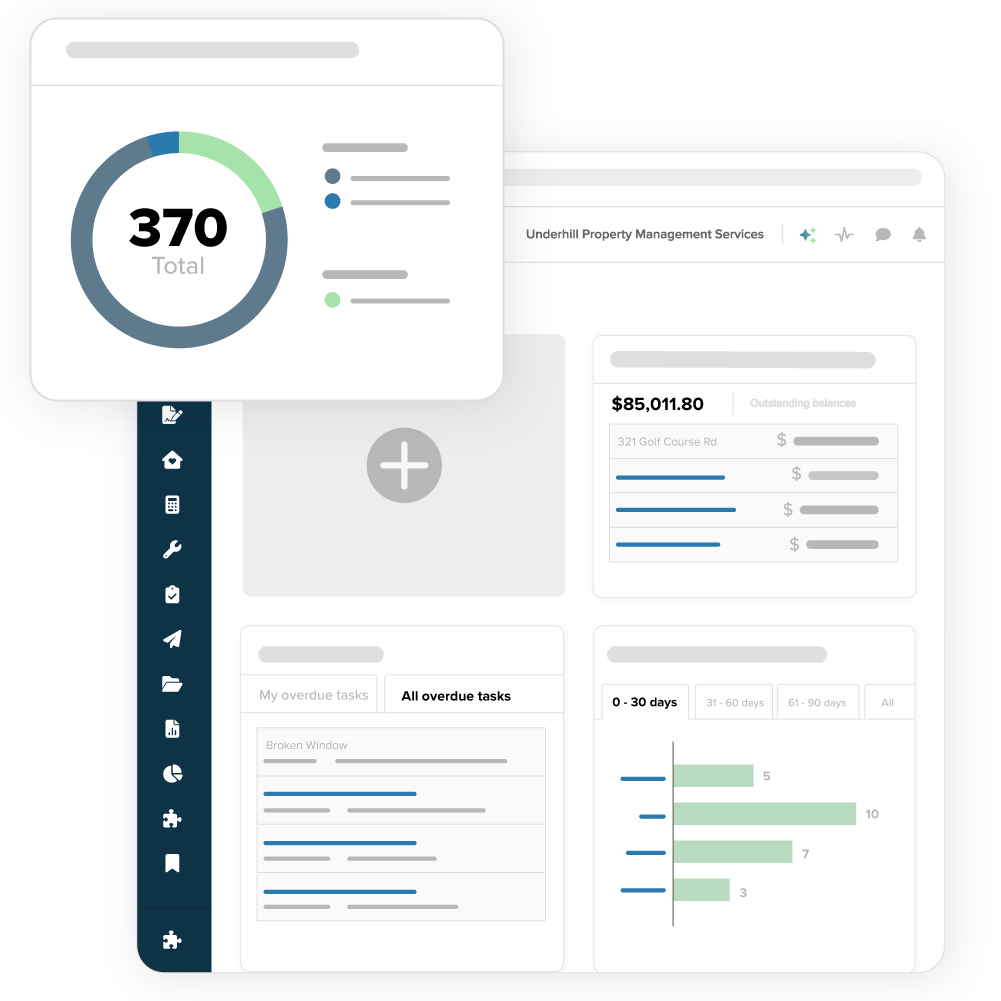

Adapt the system to fit your process

Capture the details that matter with custom fields for properties, leases, residents, and vendors—and make them searchable across your portfolio. Get insights faster with tailored reports and views. Plus, integrate your favorite tools through our Open API.

Customization to match your flow

Custom Fields

Track what matters

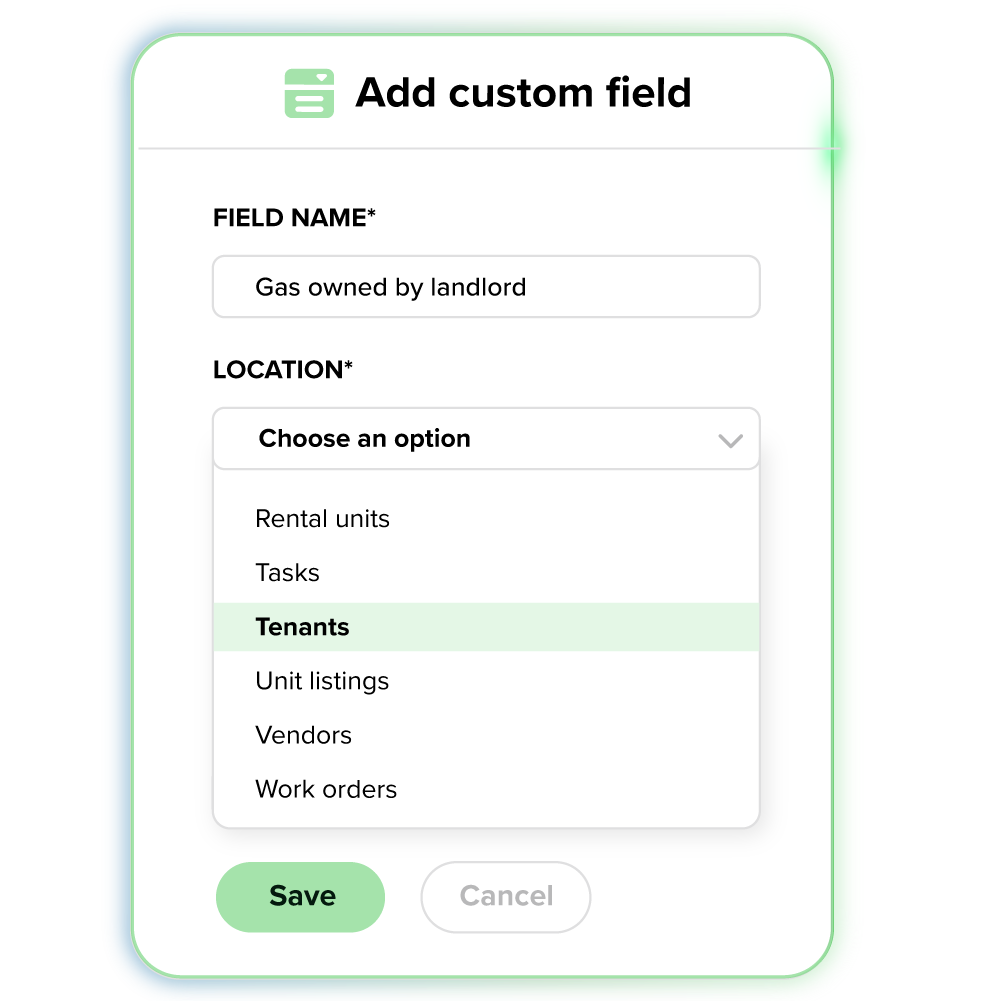
Define the critical data points for your business. From pet fees to parking passes, you choose what to track, and Buildium carries it across your entire portfolio.

  • Define unique fields for anything your business tracks
  • Group fields, update values, or deactivate them as your operations evolve
  • Filter, run reports, and pull insights based on custom field data
Buildium dashboard and mobile app
CUSTOM REPORTING

Build reports your way

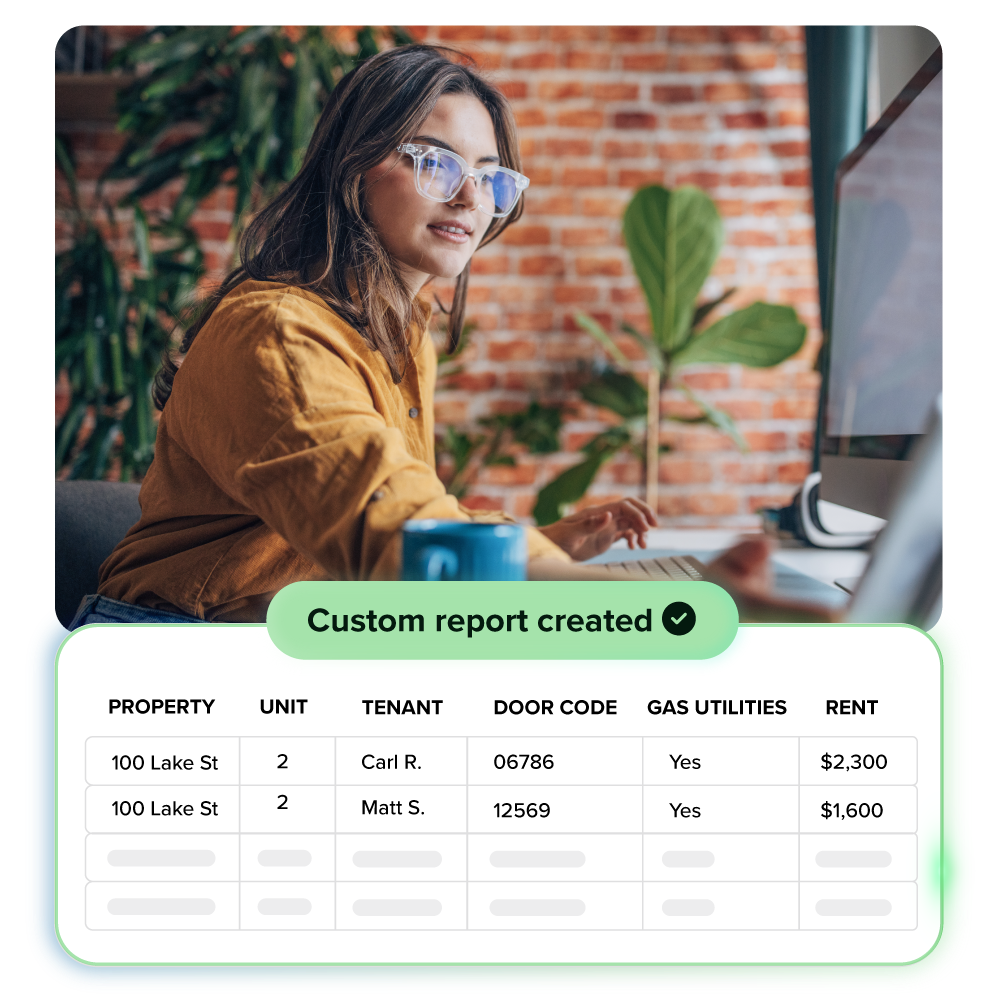
Choose the data, filters, and layout that fit your workflow. Once saved, your reports stay ready to run—no need to rebuild or reformat each time.

CUSTOMIZED COMMUNICATIONS

Send the right message to the right audience

Filter email recipients using custom field data, and embed tokens to personalize templates. Messages reach the right people with less manual work.

CUSTOM VIEWS

Highlight what matters most.

Customers saw an 80% decrease in time to update data manually with dashboards and checklists that surface what your team needs to see first.

CUSTOM ROLES & PERMISSIONS

Stay in control—always.

Assign access based on each person’s role, region, or responsibility with custom property management software. Everyone sees exactly what they need (and nothing they don’t) to keep your operations secure and on point.

  • Instead of us needing to go unearth data and be archaeologists of transactions, it’s all right there at your fingertips. With violations, what was a 30 to 40 minute process is down to a 5 to 8 minute process.

    Chris DiMarco
    Common Cents Property Management

Frequently Asked Questions

Several customization features can be found within Buildium, such as customizable dashboard views, user roles and permissions, along with customizable business rules, account and application customization, custom fields, custom communications, and customizable reports.

A custom field is a user-defined data entry point that lets you capture information beyond what’s provided by default in the system.

Instead of being limited to standard fields, you can create your own fields to track details that are specific to your business needs. Customize communications with custom email tokens to specific recipients. And custom reports allow you to see and share data how you like and with who you like. In short, customization allows you to tailor the system to your unique operational needs.

Custom fields can be set for almost 20 different locations and entities in Buildium, and each location can have up to 20 unique custom fields.

All reports are now customizable in Buildium.

You can build fully customized reports in Buildium by choosing your columns, filters, and time periods—then creating, naming, and saving them for later use. Saved reports can be shared with your team, included in batched report packages, and enhanced with options like period-over-period comparisons and negative number formatting.

Scheduling

Your Buildium Demo is just two steps away!
